© 2026 Bookmer Changelog
Aug 24, 2024

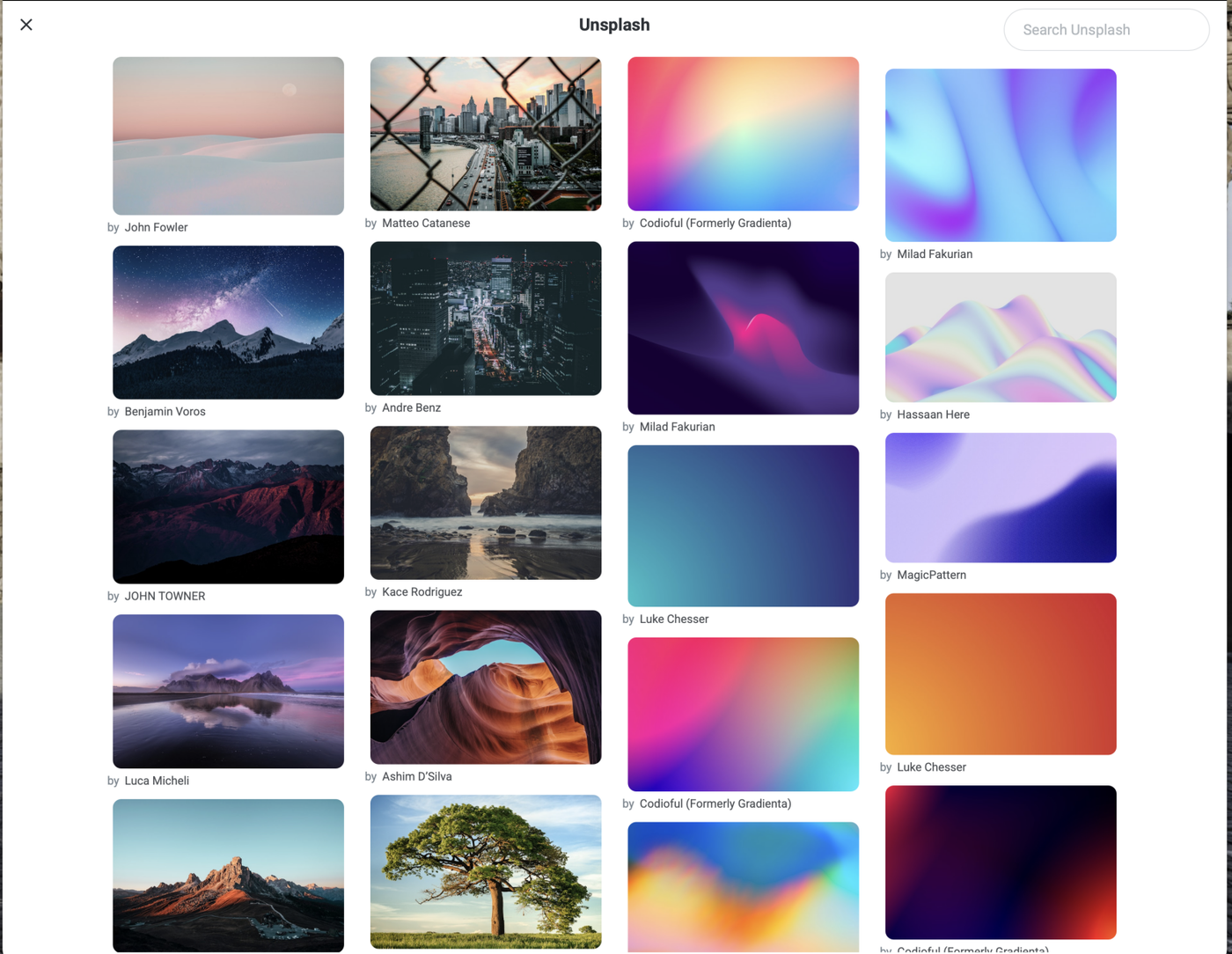
New feature added, it that allows you to upload background images directly from your device. Now, you can personalize your experience by using your own images as backgrounds.

Aug 22, 2024

From now on, the icons in the navigation list can be customized. This makes it even easier to find folders and navigate through them. In addition to a wide range of predefined icons, you can also upload your own symbols or images. To select icons, right-click on the folder and select the "Icons" option. This will open a window where you can modify icons.

Aug 10, 2024

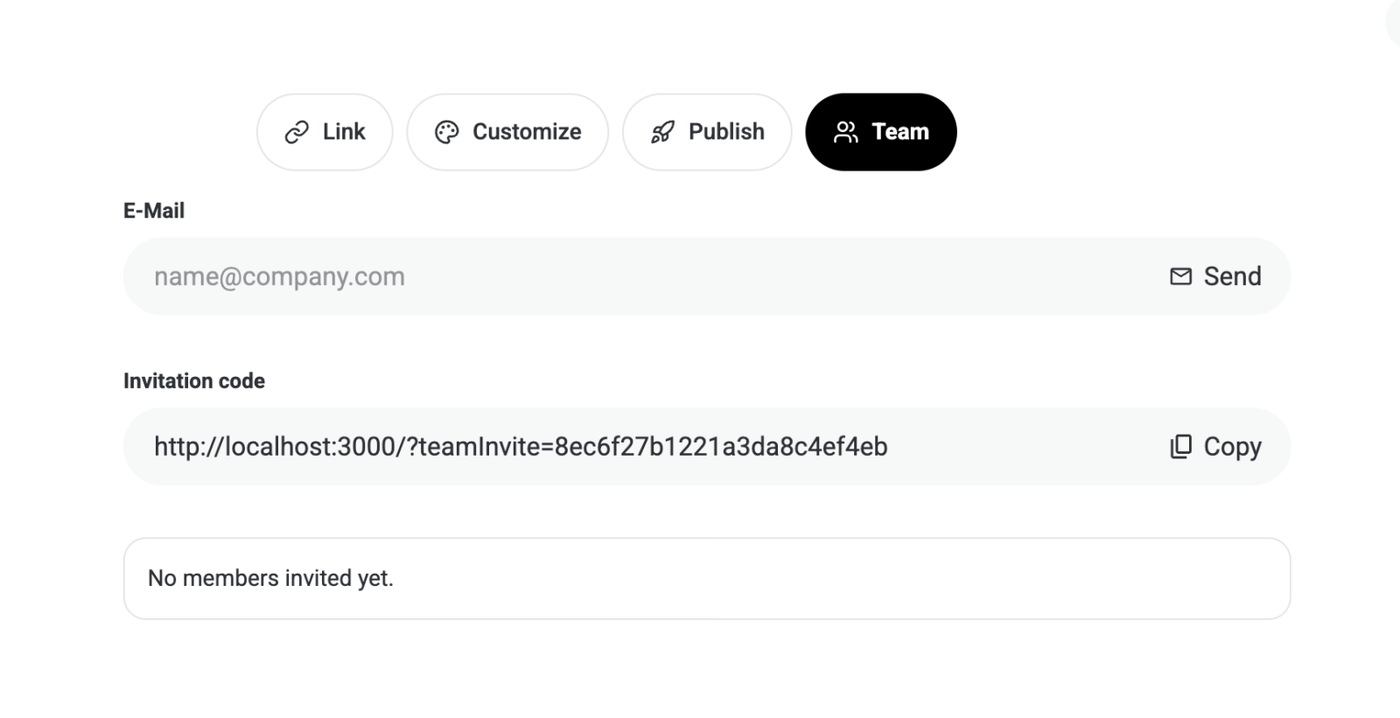
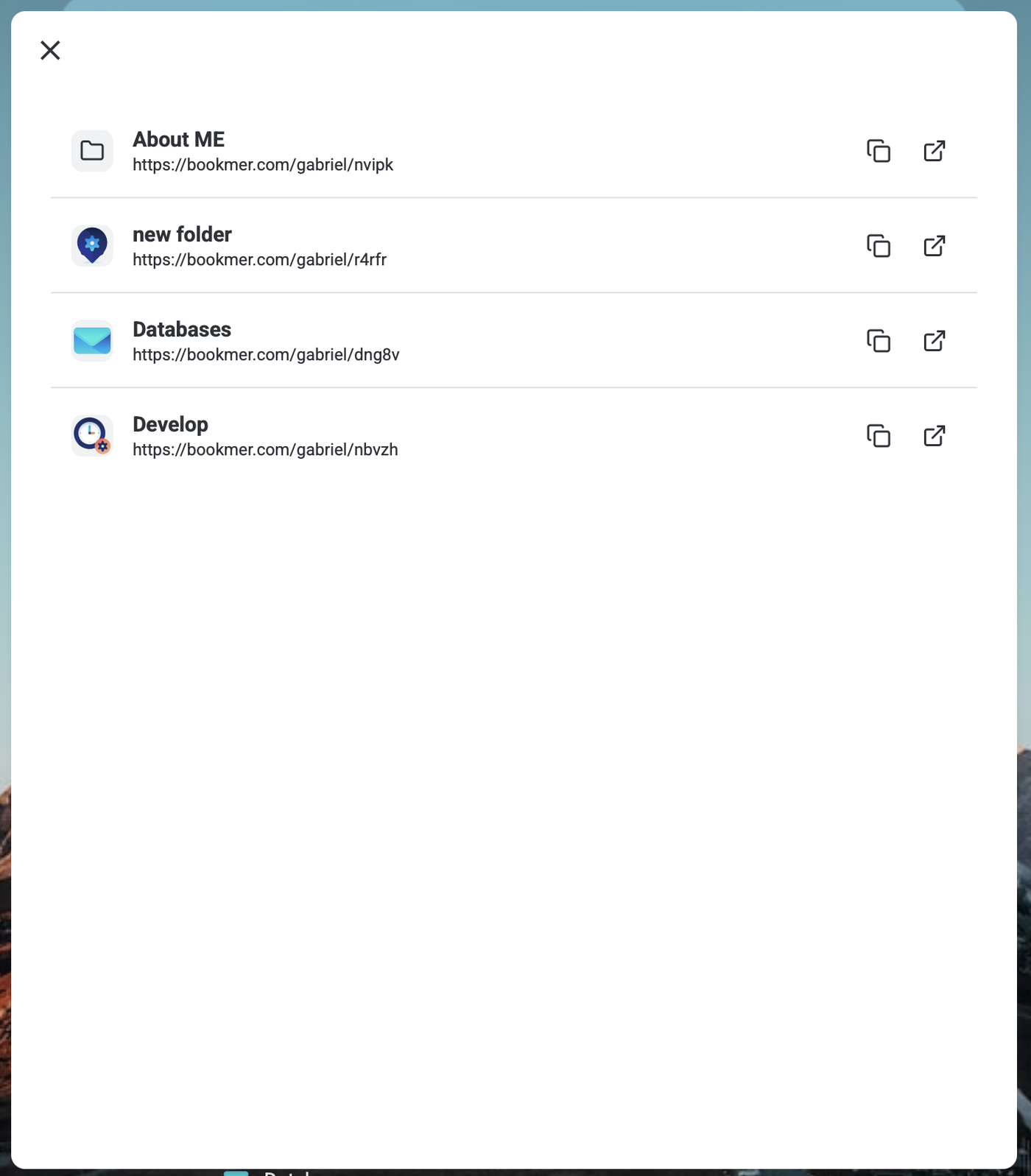
From today, you can also share your startpage. Simply navigate to the sharing option and you can generate a link to share it. Please note that when you share your startpage, you are also sharing all your subfolders.

Aug 08, 2024

This is the most significant update to the Bookmarker since first launch. The frontend remains largely unchanged, with only minor updates being integrated, such as the adaptation of text colour for the pin board. There are no significant updates to the UI.

The new major update is to the backend, which is being updated in its entirety to align with the forthcoming browser extension. You will note significant updates to the performance, with the search engine working much faster, opening folders and with overall performance significantly faster.

How Bookmarker got started. How the engine looks like now.
Jul 20, 2024

We introducing the new Bookmarker subscription model. You can now choose between a monthly or annual subscription. You can always manage your subscription in the "Manage your subscription" area.

If you have a lifetime subscription you will not see this option.

Jul 17, 2024

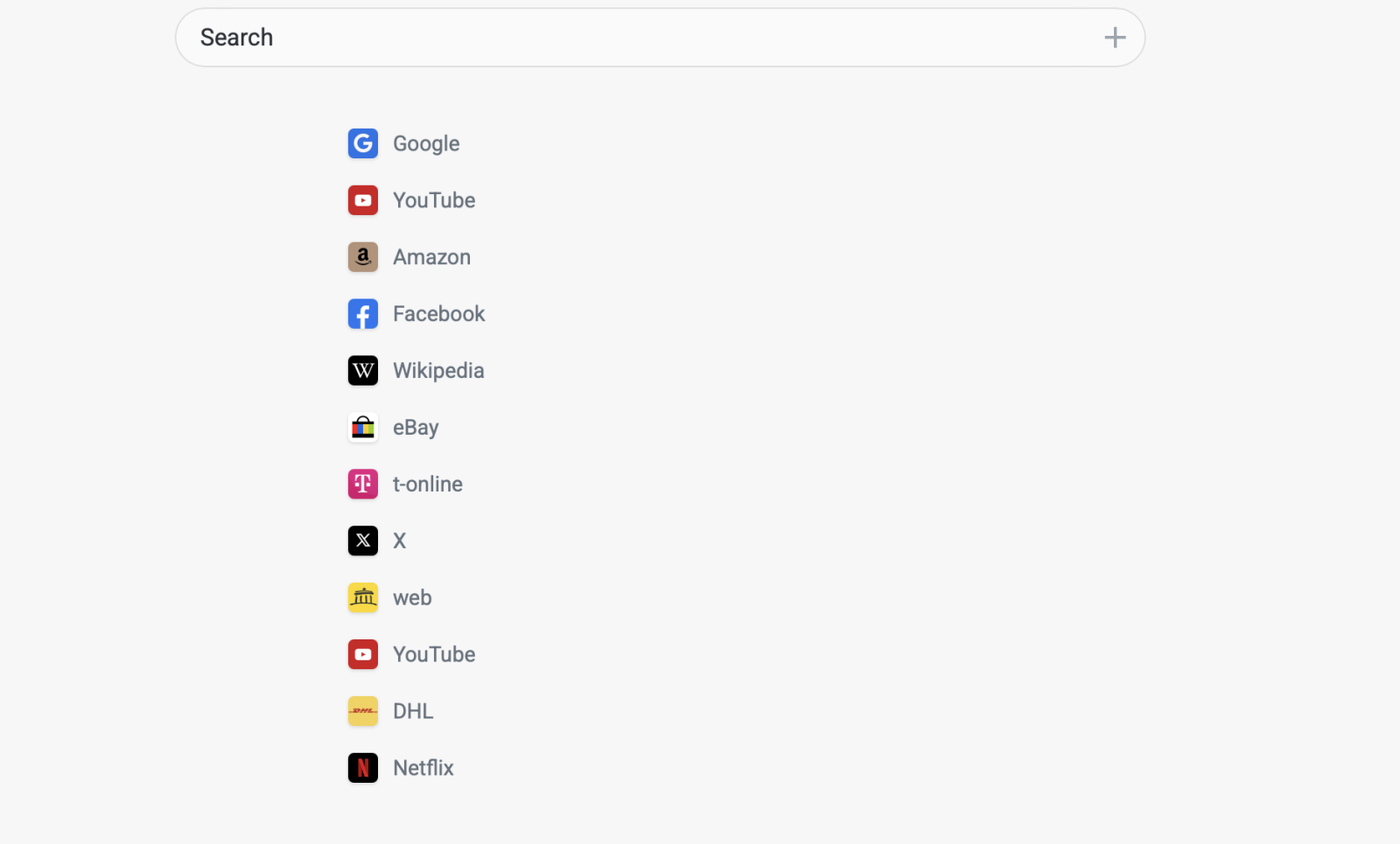
Now you can pin all your favourite folders to the top of the Home screen. The folder can be located anywhere, which means you can hide all your folders to the archive and always have quick access.

There is no limit to the number of folders you can pin, you can pin as many folders as you like. If you have no pinned folder is nothing visible. Simply select your favorite folder and choose the "Pin to Startpage" option.

If you no longer wish to have a pinned folder, right-click on the folder and select "Unpin"

Also, the icon for jumping back to the Startpage when you are in a folder has been replaced with a single icon to reduce the space required.

Apr 14, 2024

We're excited to introduce a new feature to Bookmarker.me that adds a touch of customization to your folder navigation experience. Now, you can adjust the opacity of your folder navigation, allowing for a more transparent look. This means you have the flexibility to keep your background image prominently visible or tone it down as you prefer.

Folder Navigation Opacity Adjustment

With the latest update, Bookmarker.me users can now fine-tune the transparency of their folder navigation. Whether you want your background image to shine through vividly or create a more subtle backdrop, it's all in your control.

Background Image Issues fixed

Adding a new background image to your Bookmarker.me profile is now a breeze. However, we noticed a minor hiccup along the way.

Some users reported that after adding a new background image, the icons appeared a bit off, with an unusual look to their shadows. Not to worry! We've swiftly addressed this issue with a small update, ensuring that your icons maintain their sleek appearance, no matter the background.

We hope these enhancements elevate your Bookmarker.me experience. Stay tuned for more updates and features coming your way!

Apr 11, 2024

We are excited to announce the release of Bookmarker.me version 1.0, featuring a range of enhancements and new features to improve your bookmarking experience.

Here's what's new:

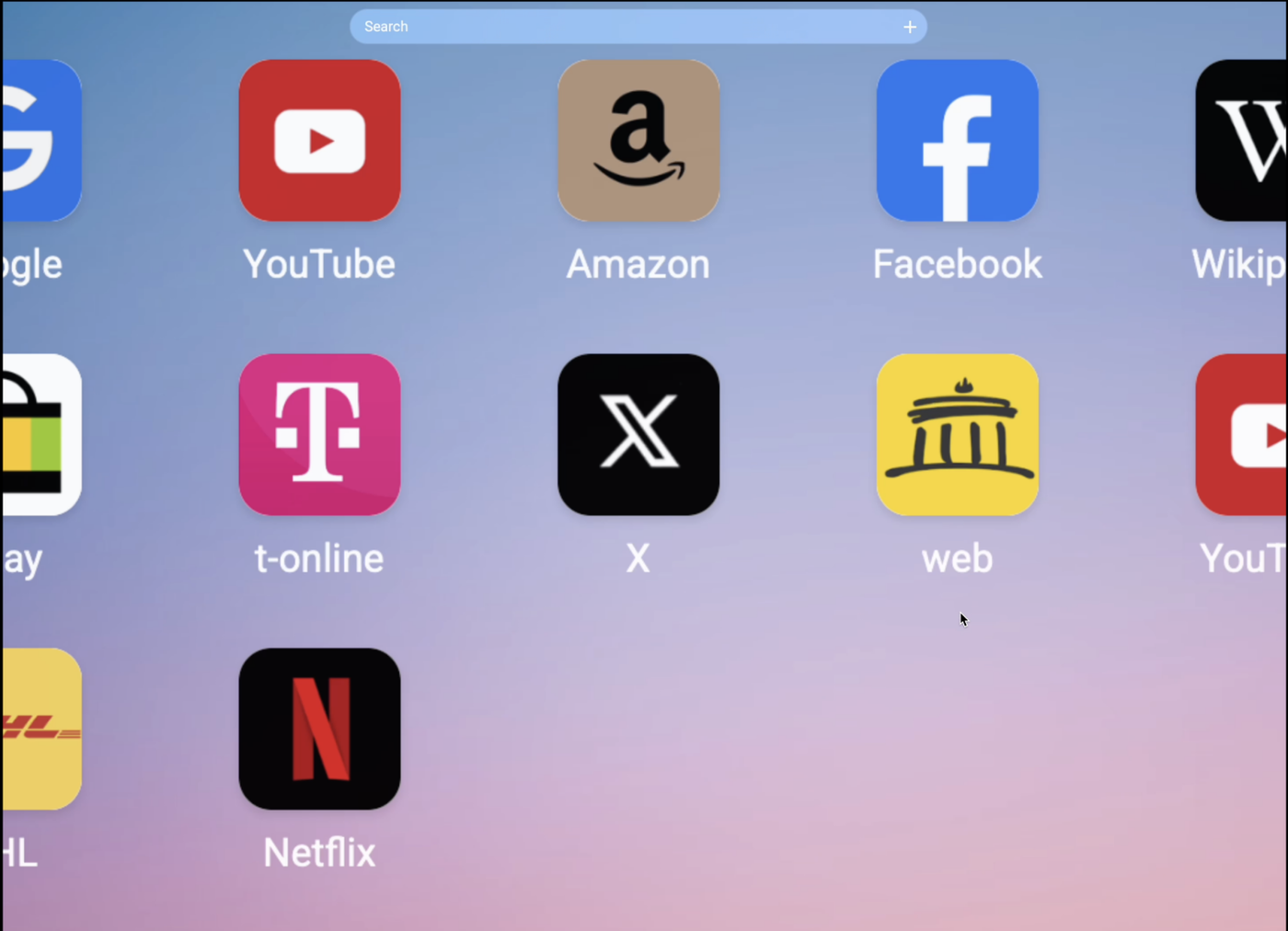
Custom Wallpaper: You can now choose and set your own background image to personalise your Bookmarker.me experience.

Improved Performance: Numerous optimisations have been implemented to enhance performance, making the system significantly faster.Enhanced Navigation: Interact more seamlessly with the system through improved navigation options.

Upgraded Archive: The archive functionality has been upgraded with more features and a new overview.

Security Enhancements: Identified security vulnerabilities have been addressed and resolved.

UI Enhancements: The entire user interface has been refined for a smoother experience.

Customisable Text color: Users now have the ability to change the font for the homepage.

Control: Experience a host of new control features for better navigation and usability.

Faster Folder Structure: The folder structure now operates much faster, with data loading in the background.Refreshed Navigation Bar: A completely new look and functionality for the navigation bar.

Direct Folder Creation: Easily create a new folder directly from the interface.Auto-Collapse: A new auto-collapse feature allows for optional closing of the navigation when opening and closing.

These updates aim to make Bookmarker.me more efficient, customisable, and user-friendly than ever before. Thank you for using Bookmarker.me, and we look forward to your feedback!Note: For a complete list of changes and updates, please refer to the detailed release notes accompanying this version.

Jan 30, 2024

We rebuilt the whole interface of Archive. Now you can interact directly with the archive - you can select bookmarks without going into the folder itself. A preview of the first three folders makes the interaction easier. The visual interface improves the way you interact with bookmarks in the archive.

Jan 25, 2024

Navigation bar customization with multiple options. Now you can choose to automatically hide or keep the navigation open, also hide the navigation search bar and multiple performance adjustments.

Sep 25, 2023

Cleaner and more efficient navigation tab and dashboard UI! The navigation tab has been redesigned to be sleeker and smaller, while the dashboard's UI has been simplified by removing borders and adopting a minimalist design. This update significantly enhances loading performance.