New feature
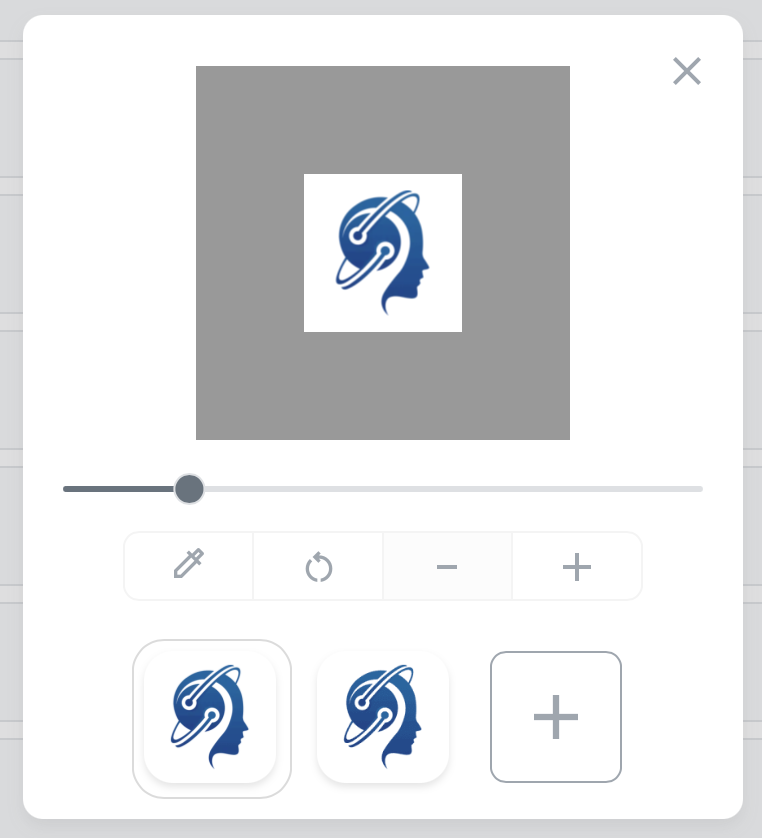
Now, the default background color for each new bookmark is set to white. This makes the UI clearer and improves the UX. If a bookmark icon is transparent, it will now be visible against the white background. Of course, you can still customize the background color; this just provides a quick way to set it.

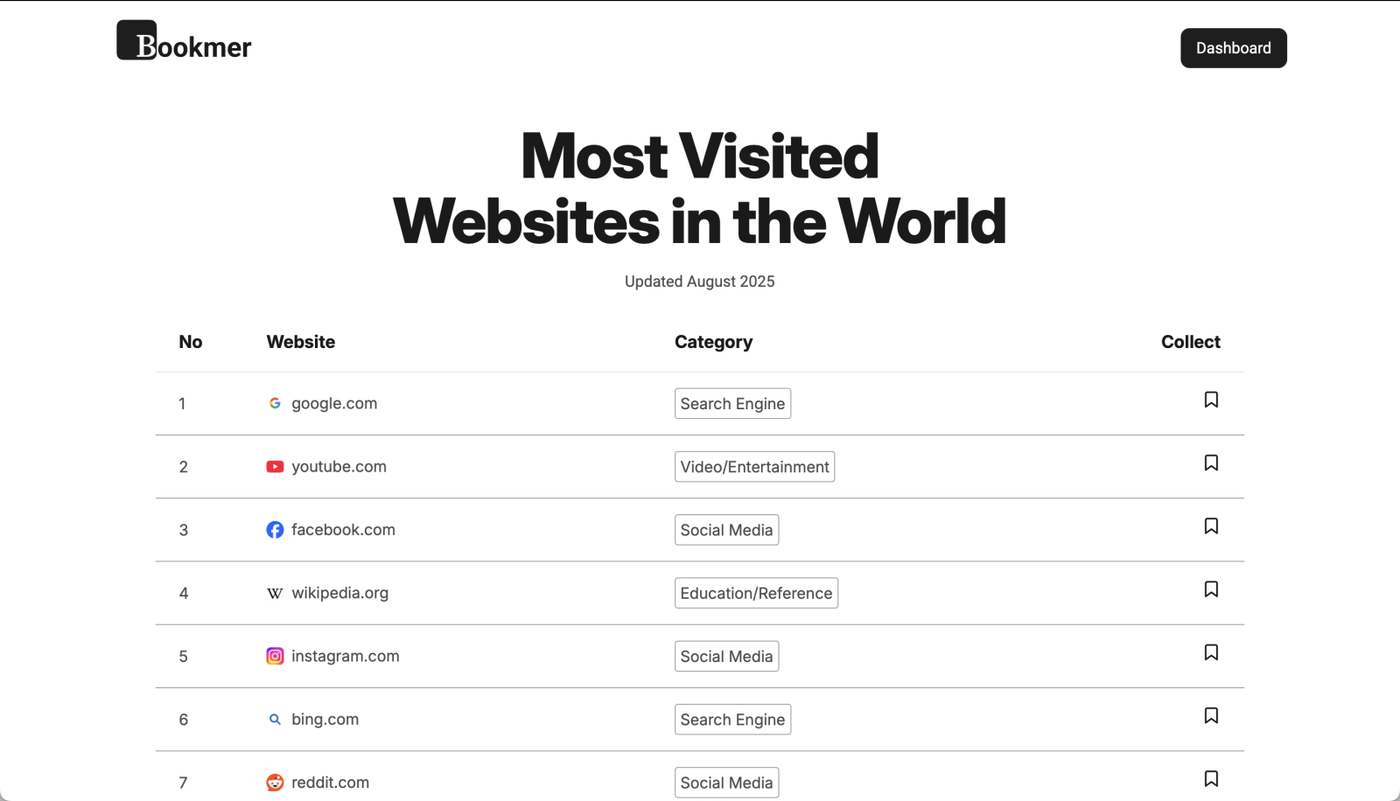
Explore the Top 100 Most Visited Websites Worldwide

Embark on a digital journey with our comprehensive list of the top 100 most visited websites around the globe. Whether you are a curious internet surfer, a webmaster seeking inspiration, or a business professional looking to stay ahead of trends, this list offers invaluable insights. Our aim is to provide you with a clear snapshot of the digital landscape, helping you discover new websites and tools that can enhance your online experience.
We are thrilled to share the news that, after extensive preparation, Bookmer is now available for free to all users! This marks a significant milestone in our journey to make bookmarking seamless and accessible for everyone.
Free Account for All Users
Starting today, every user who signs up will receive a free account. This account provides full access to the essential features needed to organize and manage your bookmarks effectively. With the free account, you can enjoy unlimited bookmarks, ensuring that you never run out of space to save your favorite web pages, articles, or any online content that piques your interest.
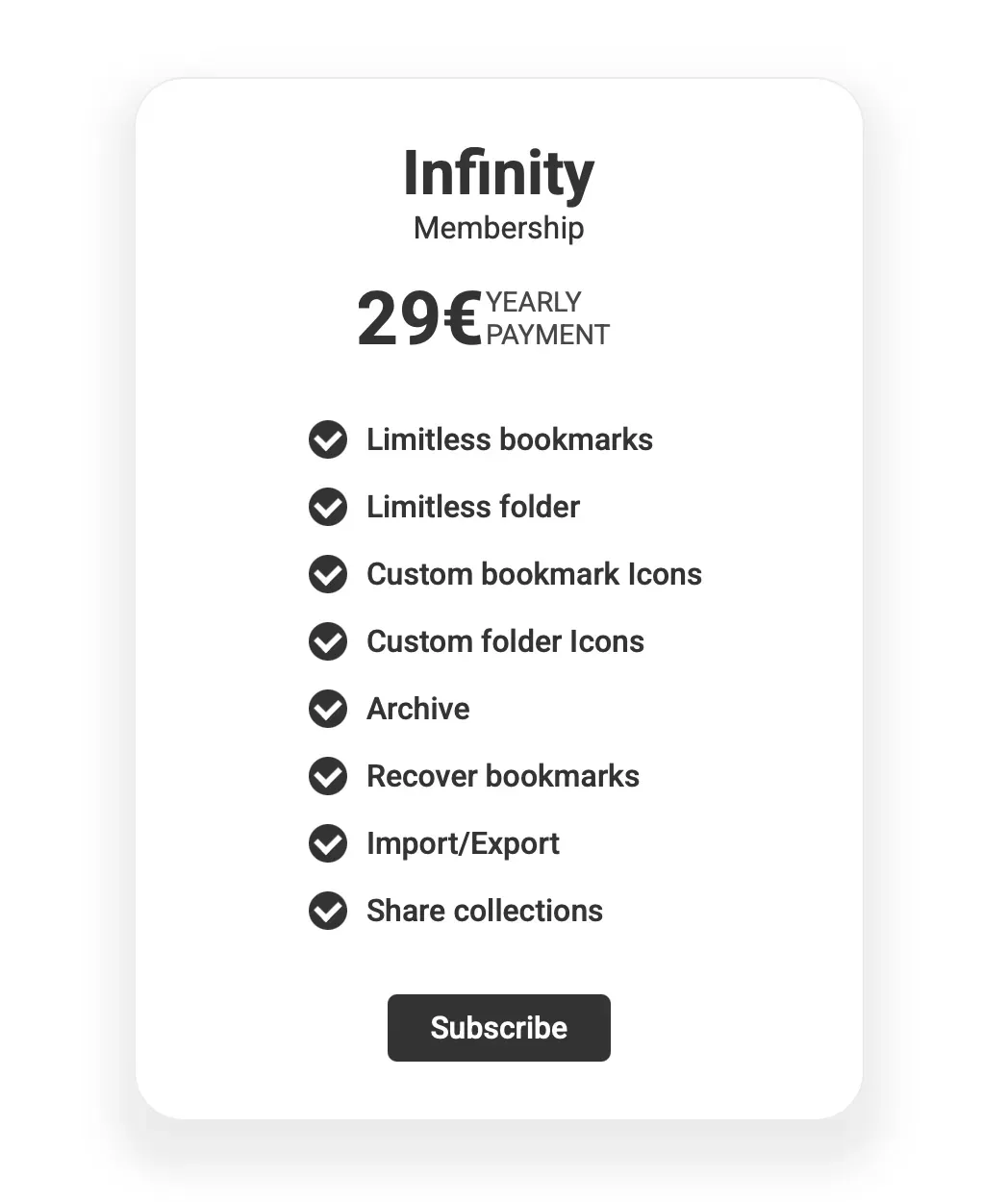
Upgrade to our Bookmer PRO account for enhanced bookmarking features

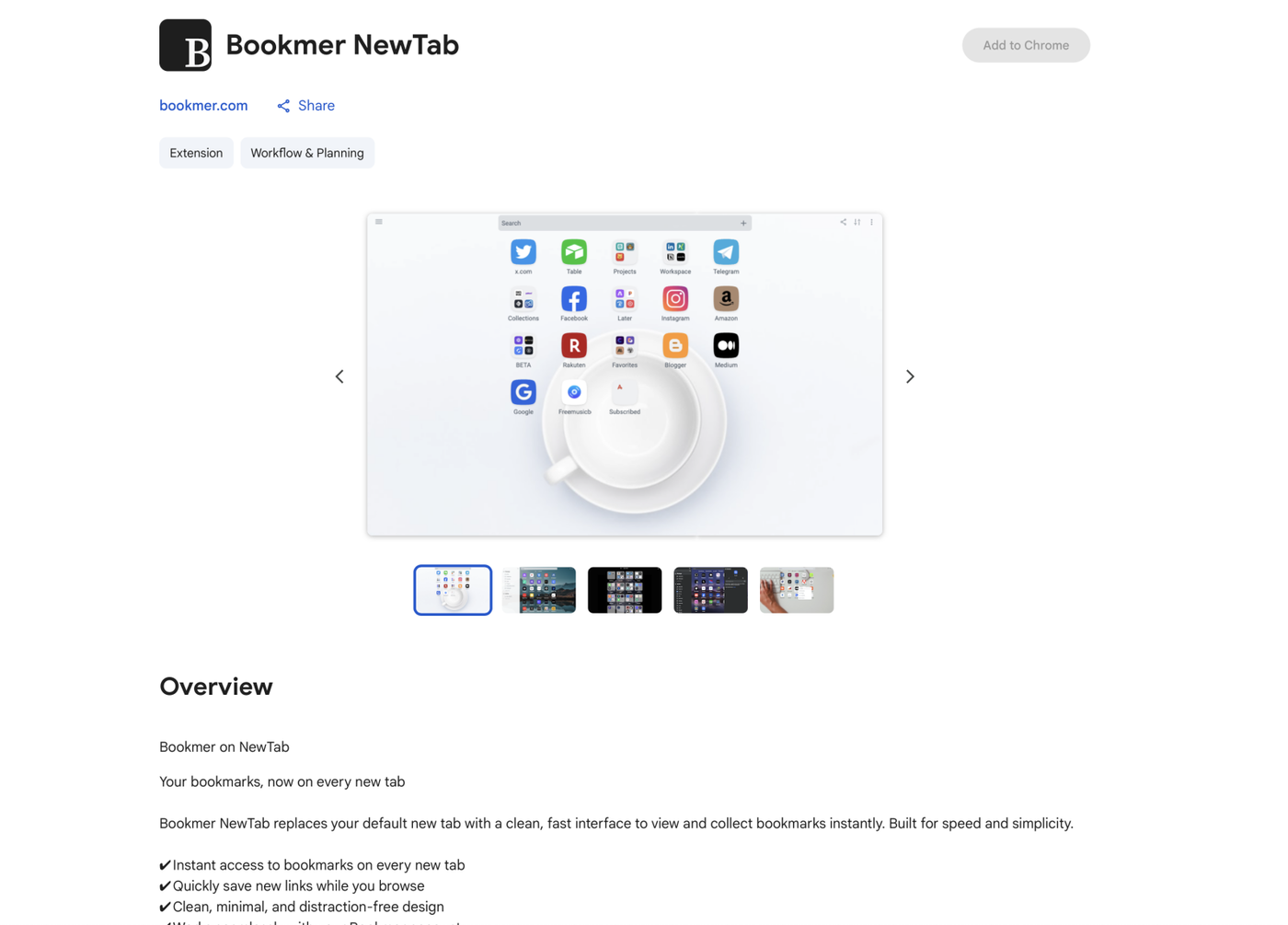
From today, you can open new tabs with the Bookmer NewTab browser extension. It is available in the Chrome Web Store.
https://chromewebstore.google.com/detail/dgjhkgichpdlnepmlknlfchbfhllijnb?utm_source=item-share-cb

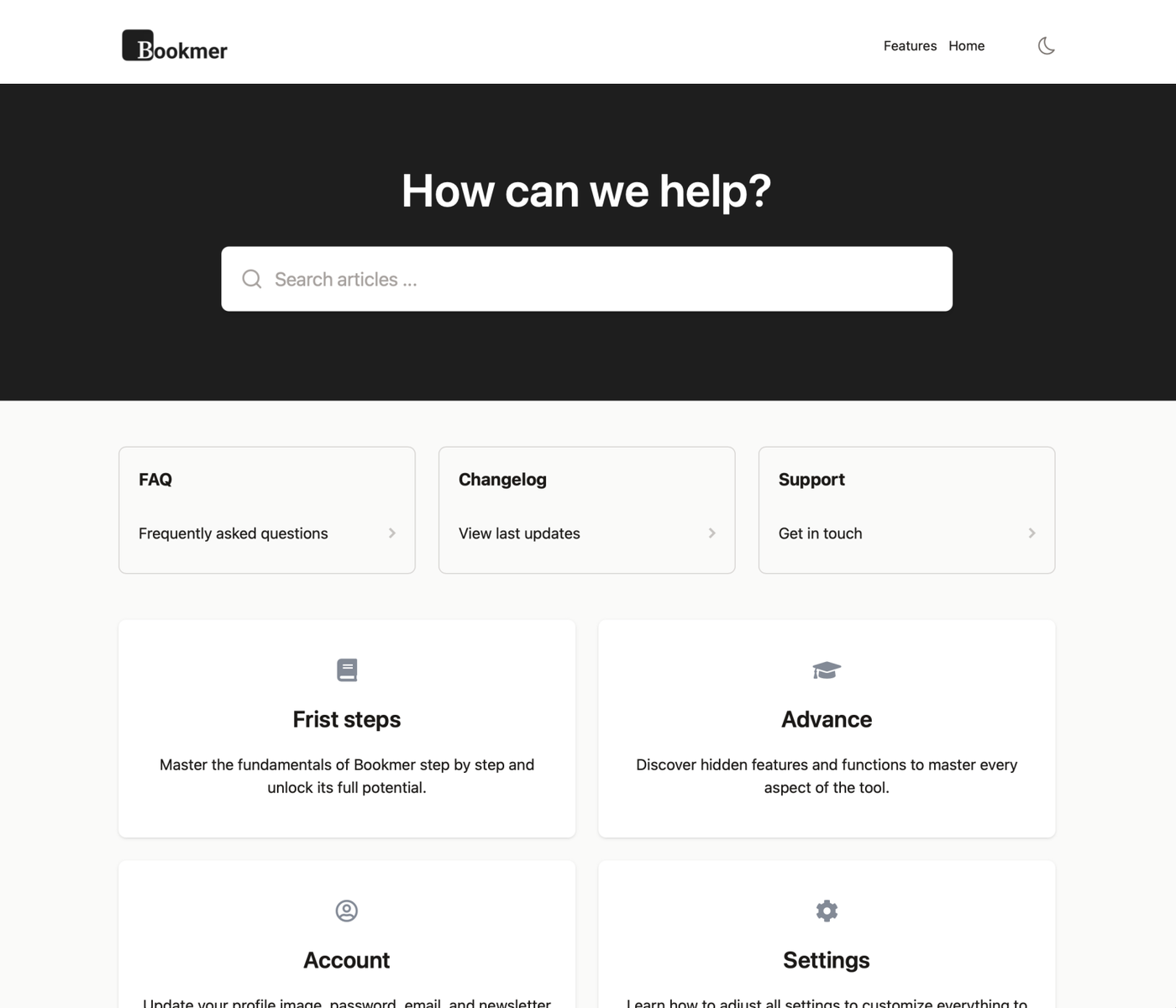
Starting today, the support section has been revamped. help.bookmer.com is now the central hub designed to assist you with providing support. It features a wealth of helpful articles to enhance your use of Bookmaker. Explore new features and access all the essential information needed to optimize your Bookmer experience.

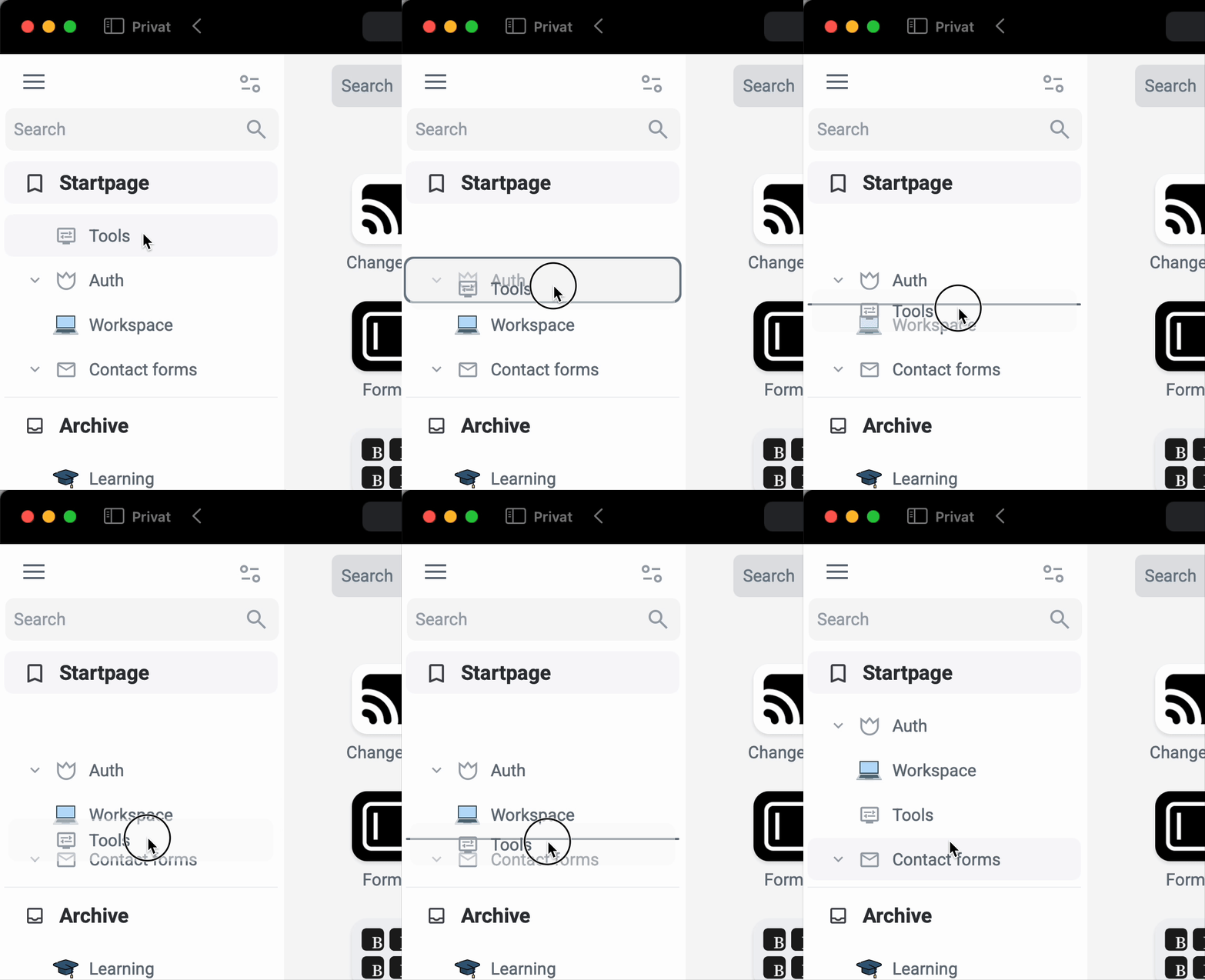
The entire navigation bar has been redesigned, with elements' positions changed. Creating new folders from the navigation bar is no longer possible, which keeps the view cleaner. You can also see the entire navigation bar in full screen on mobile devices.

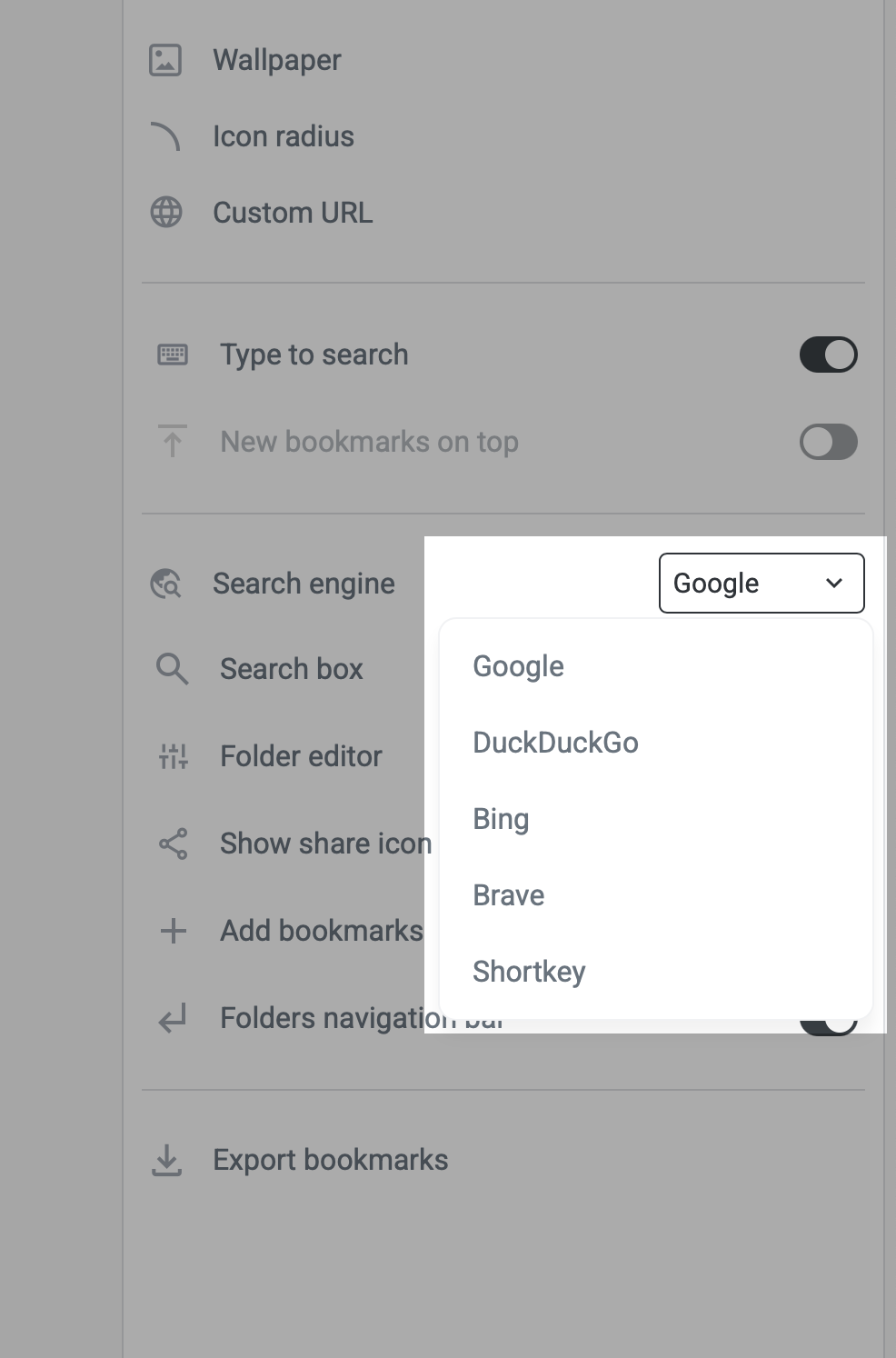
From today, you can change your search engine. Supported options include Google, DuckDuckGo, Bing, Brave, and Shortkey. Check the settings.

When you type in the search field, you'll always see an "Search with ..." button. Clicking on this button lets you choose your preferred search engine before launching the search. This feature is part of the Bookmer browser extension, which replaces the new tab. It allows you to interact with your bookmarks while also browsing with your chosen search engine.
The search results are now faster and follow a new logic, making it quicker to find your bookmarks.
Today, we are excited to launch our first Chrome Extension.
Launch your Bookmarks with ease
Instant Access to Your Bookmarks — Right from Your Search Engine
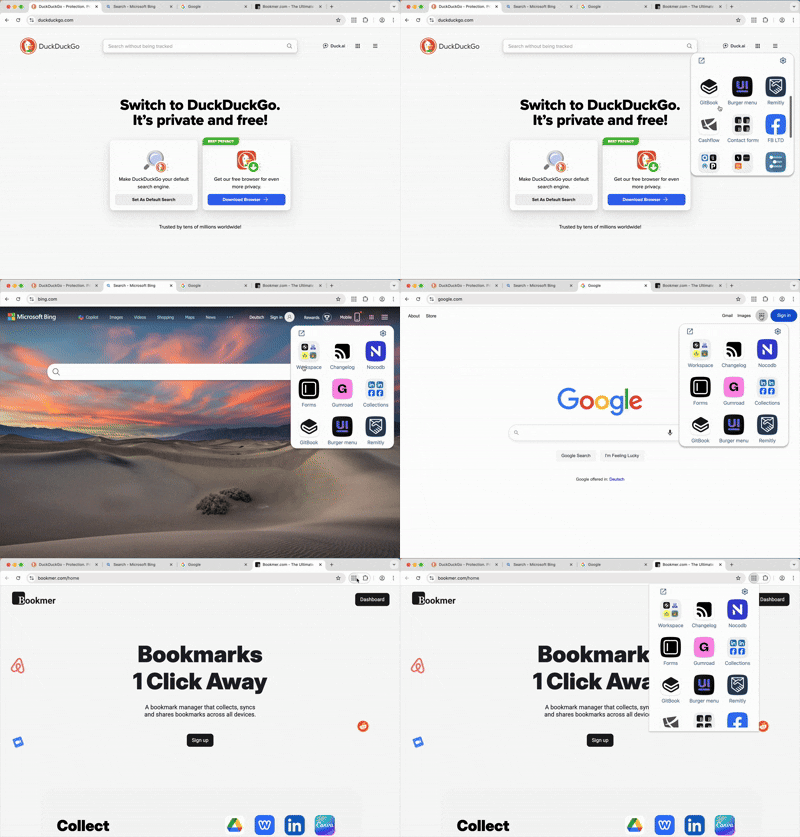
The Bookmer extension brings your bookmarks closer than ever. Access your personal start page and saved links directly from Google, Bing, or DuckDuckGo — seamlessly integrated into your browsing experience.
✔ One-click access to your homepage and bookmarks
✔ Quick navigation to Pogma and settings
✔ Stay logged in and access Bookmer from anywhere
Note: An active Bookmer account is required. Bookmer is a paid service.
You control where the widget appears — enable or disable it on specific search engines, or hide it entirely via the settings.

https://chromewebstore.google.com/detail/mladlmojookmijmdcdabepbcefjokhfi?utm_source=item-share-cb
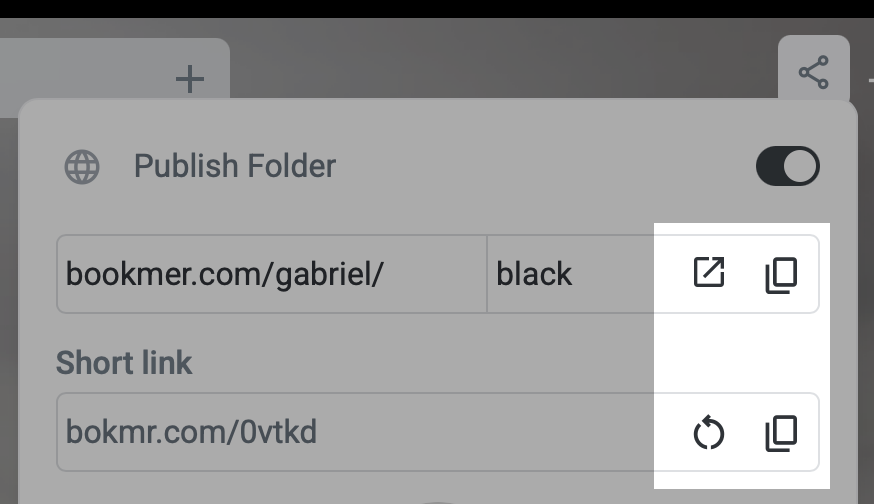
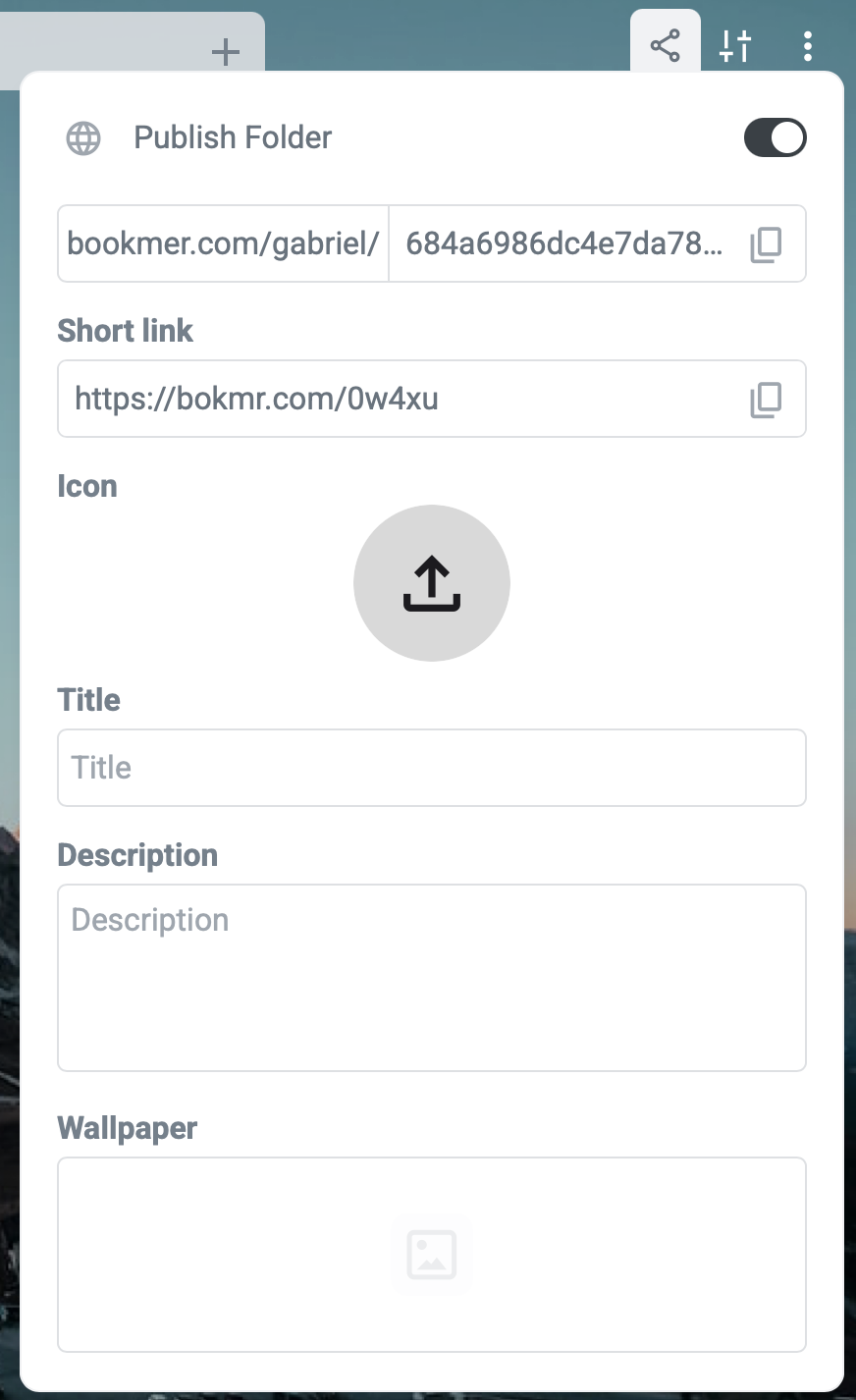
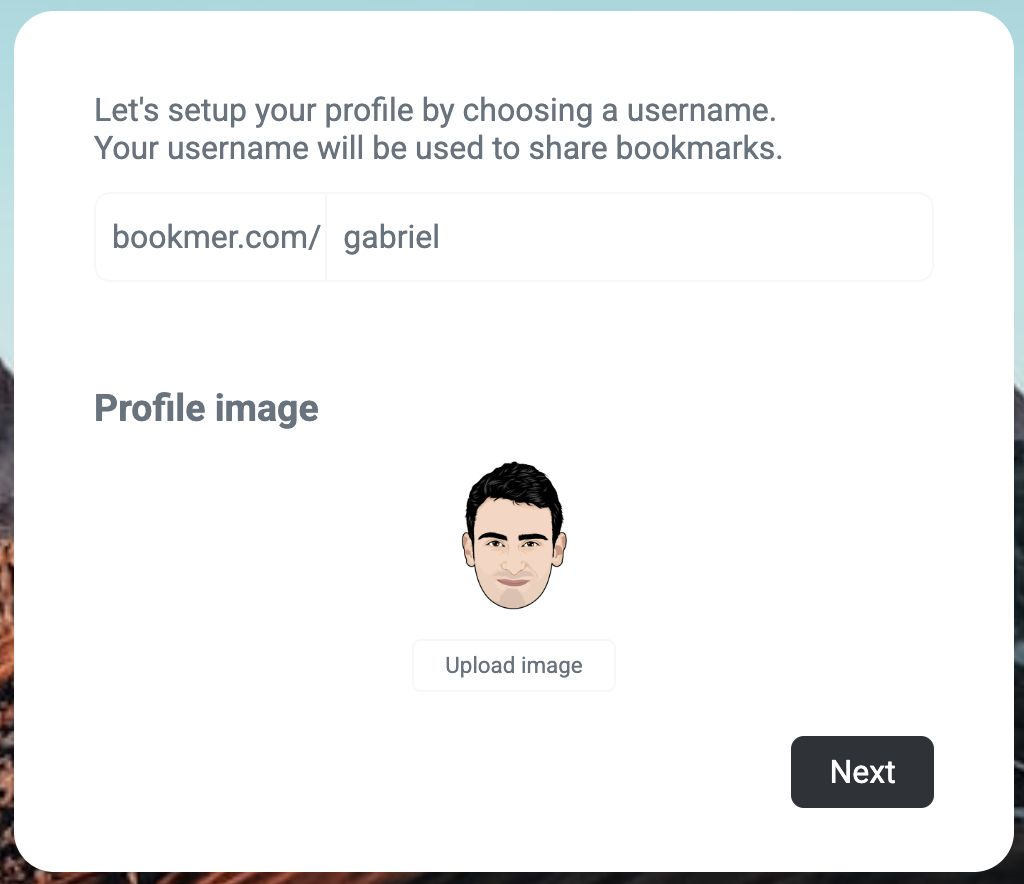
Starting today, you can set up a username to share your bookmarks.
Bookmer.com/username/example
This gives you more options to share content with the world. You can also change your username anytime if you'd like.

We are now offering a complete new setup for new users, which guides them step by step to create their account. For existing users, all these setup steps will be displayed once.