Mar 31, 2026
Mar 31, 2026
Undo and reundo
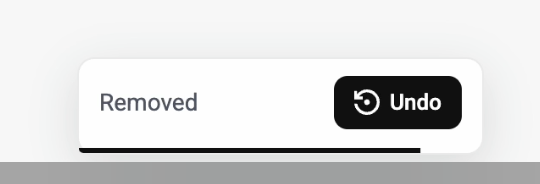
Enhanced Undo Functionality: We’ve upgraded undo so you can seamlessly reverse any action—whether deleting, reorganizing, or moving bookmarks—giving you full control at all times; visual feedback has been added, showing a small animation at the bottom center whenever an action is undone to confirm success, which can be disabled in settings if preferred; keyboard shortcuts are now supported across platforms, using ⌘ Command + Z (macOS) or Ctrl + Z (Windows) to undo and ⌘ Command + Shift + Z (macOS) or Ctrl + Shift + Z (Windows) to redo, enabling a faster and more intuitive workflow.