© 2026 Bookmer Changelog
Apr 19, 2026

From now on, all users can share a common folder with other users. This makes collaboration significantly easier and allows interaction. A shared folder can be accessed by multiple people simultaneously. By using an invitation link or by sending an e‑mail with the invitation link, users can connect and collaborate.

Apr 18, 2026

We will very soon begin delivering notifications by default, for example with current information on adjustments, weak reports and various systems.

This can be edited in the user area from now on. Simply log in to customise and modify everything in the user area.

Apr 17, 2026

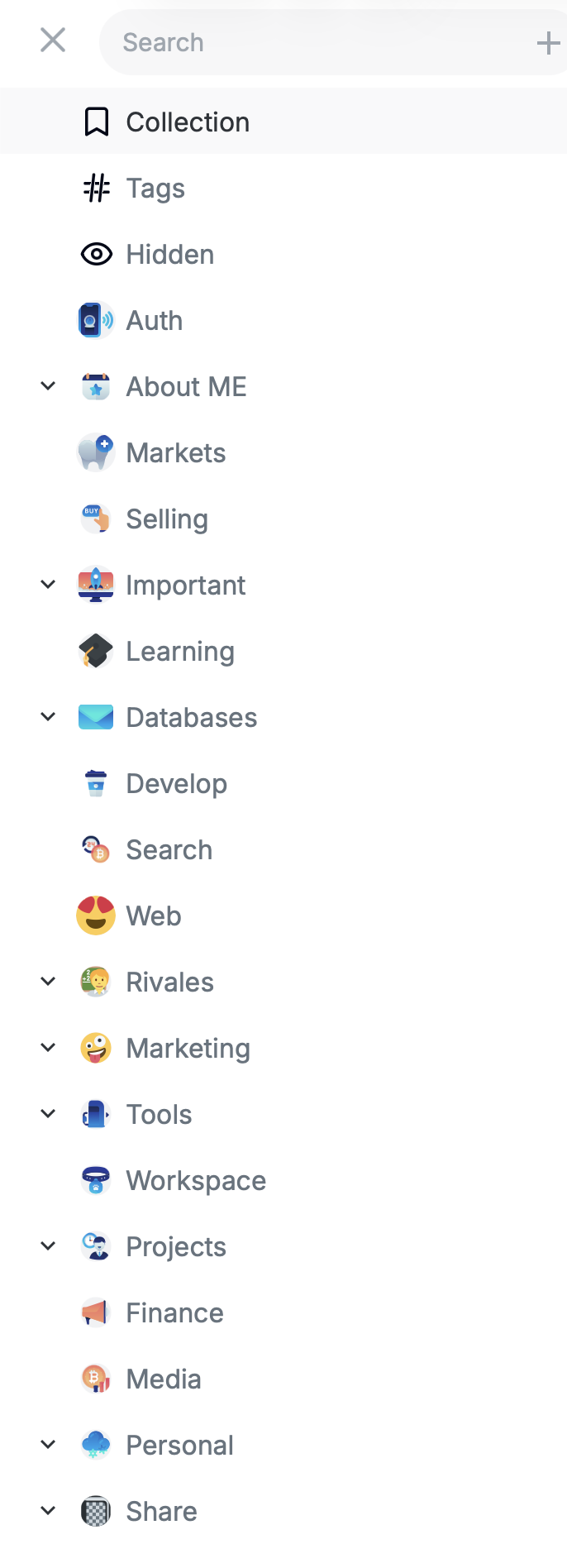
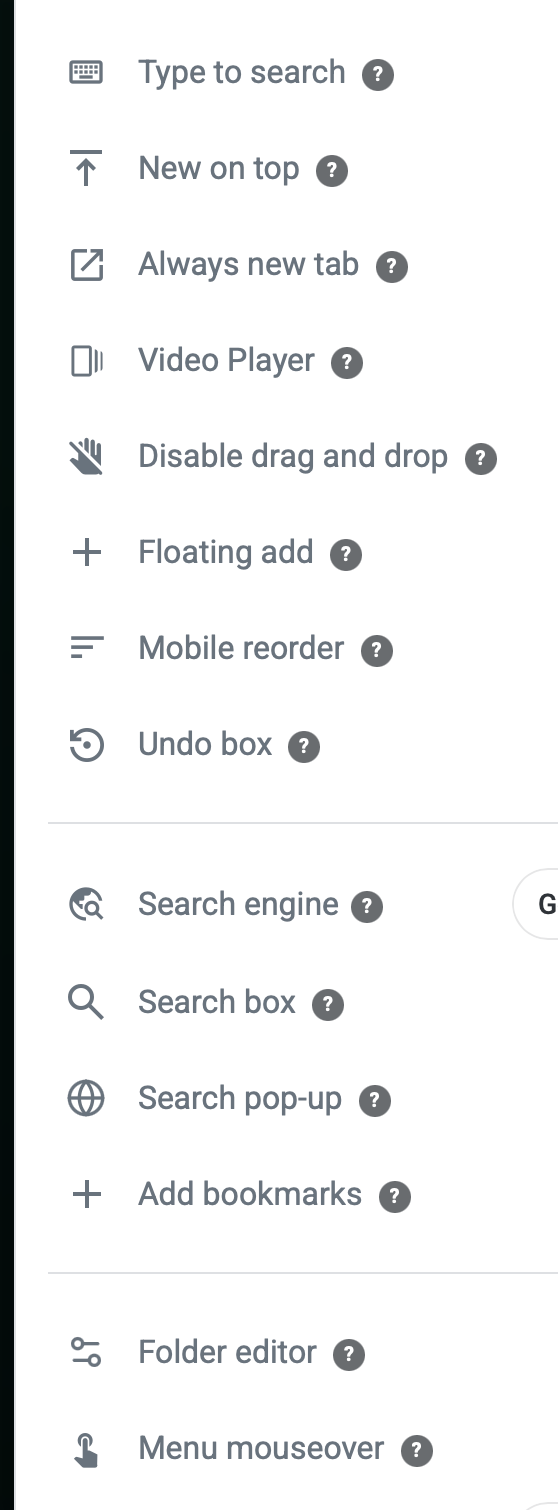
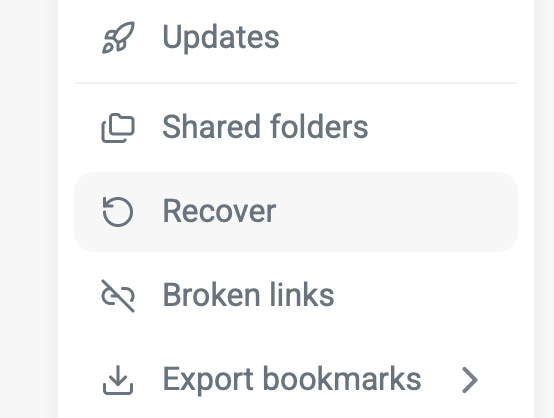
We have slightly revised the menu bar; it is now a bit more logically structured and reorganised, so that it becomes simpler and clearer.

Apr 16, 2026

Enabling two-factor authentication (2FA) on your Bookmer account adds an extra layer of security by requiring not only your email and password but also a second form of verification, such as a one-time code sent to your phone or generated by an authentication app. This significantly reduces the risk of unauthorized access, even if your login credentials are compromised, ensuring that only you can complete the login process.

Setting up 2FA is straightforward: simply log in to your account, go to Security Settings, and follow the prompts to select your preferred verification method. Once activated, 2FA provides enhanced protection with minimal effort during each login, giving you greater control over your account security and peace of mind against potential cyber threats.

Despite the benefits of 2FA, it is still important to stay vigilant by using strong, unique passwords, avoiding phishing attempts, and regularly monitoring your account activity. By taking these steps and enabling two-factor authentication, you proactively safeguard your personal information and maintain the integrity of your Bookmer account.

Apr 15, 2026

Placeholders now appear in the ListView to speed up loading. This improves performance and lets you quickly see an element even without a defined logo.

Apr 14, 2026

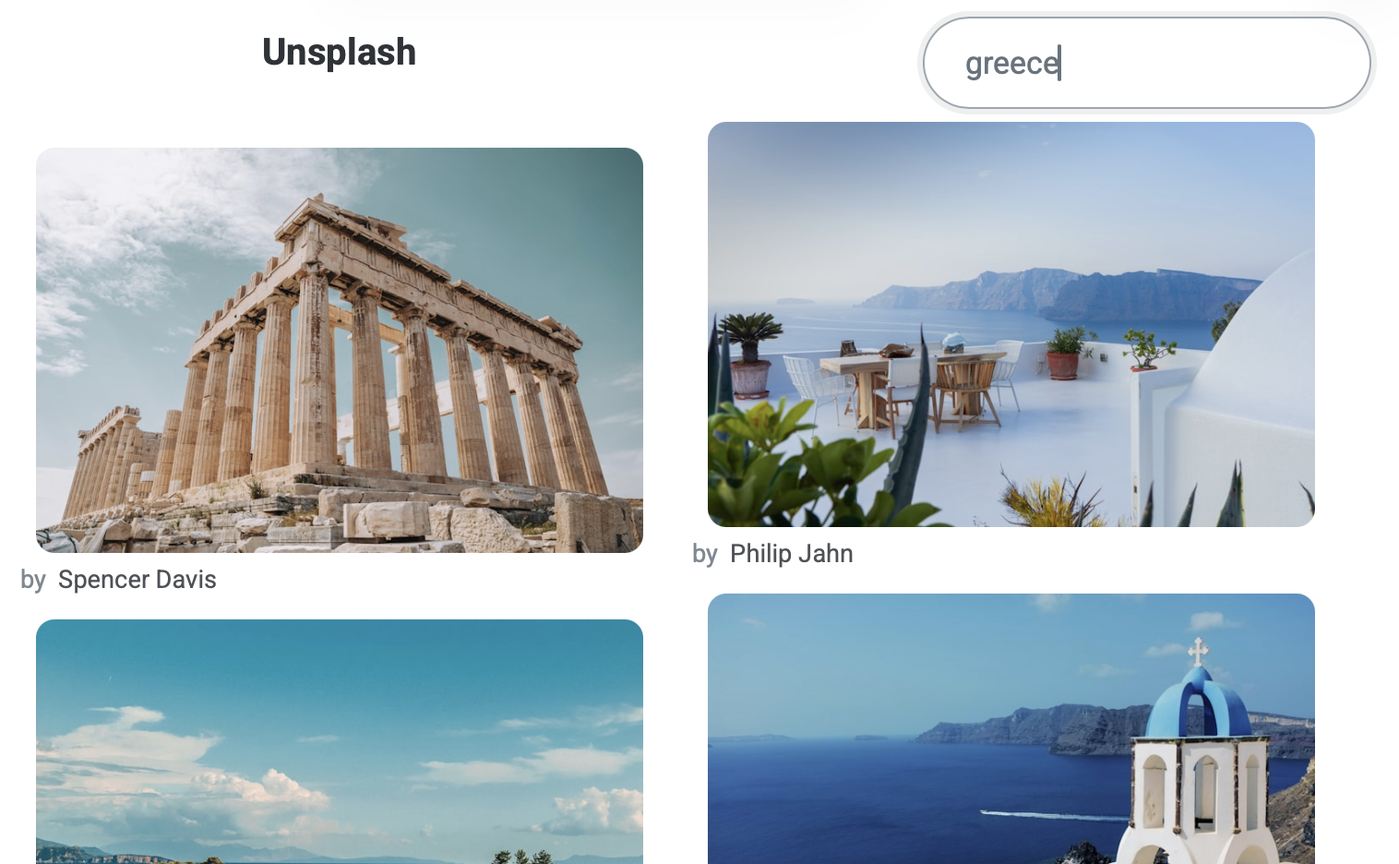
We have now significantly simplified the way you can add more images. We have made the images a bit smaller, so you can see much more on a single page and it simplifies the selection of a background image.

Apr 13, 2026

So that one can quickly have an overview of all shared folders, one now has a way to view them via Share‑It‑Folder. There you can see all shared bookmarks, enabling quick interaction.

Apr 12, 2026

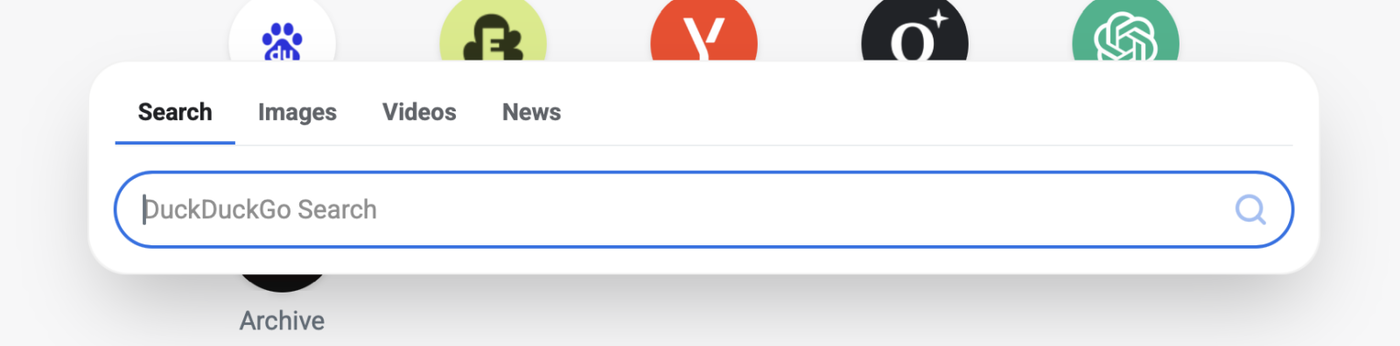
Backgrounds is a new widget. With this widget, you open the Google search options directly and can navigate immediately, for example to Images, Maps, Shopping – all with one click.

Apr 11, 2026

It is now possible to select multiple folders and adjust the style of these folders for all selected folders simultaneously with a single click.

Apr 10, 2026

We have completely redesigned the wallpaper setup. From now on, it is possible to view your collection in a slider. You can watch live how the wallpaper affects the appearance.

Additionally, we have reactivated Unsplash; it is now also accessible for free users. The only difference for Pro users is that they can browse more images.

Newly added is the color selection. You can choose either a solid color or a radius color. The background color selection is free for all users.

Further improvements:

Existing background images can be edited, deleted, and customized by yourself.

Style, text, and icon color can be adjusted.

Apr 09, 2026

Title is our latest major innovation that makes managing your collection much easier. From now on, you can place title elements and freely configure and arrange your content within them. This way, you can work better with your collection and more easily understand how your content is categorized. Additionally, the feature helps you navigate faster. It is available to all users.