© 2026 Bookmer Changelog
Aug 25, 2025

We are thrilled to share the news that, after extensive preparation, Bookmer is now available for free to all users! This marks a significant milestone in our journey to make bookmarking seamless and accessible for everyone.

Free Account for All Users

Starting today, every user who signs up will receive a free account. This account provides full access to the essential features needed to organize and manage your bookmarks effectively. With the free account, you can enjoy unlimited bookmarks, ensuring that you never run out of space to save your favorite web pages, articles, or any online content that piques your interest.

Upgrade to our Bookmer PRO account for enhanced bookmarking features

Aug 09, 2025

In the past, there have been a number of performance issues related to performing certain actions, such as moving links to other folders or deleting components. Until now, these changes were only visible after the page was refreshed. These issues have now been resolved, and adjustments are applied immediately upon execution.

Additionally, the process for adding new links via the URL Bookmer.com/add/example.com has been optimized. This process is now significantly faster and more reliable, greatly improving the user experience, learn more how to use.

Aug 08, 2025

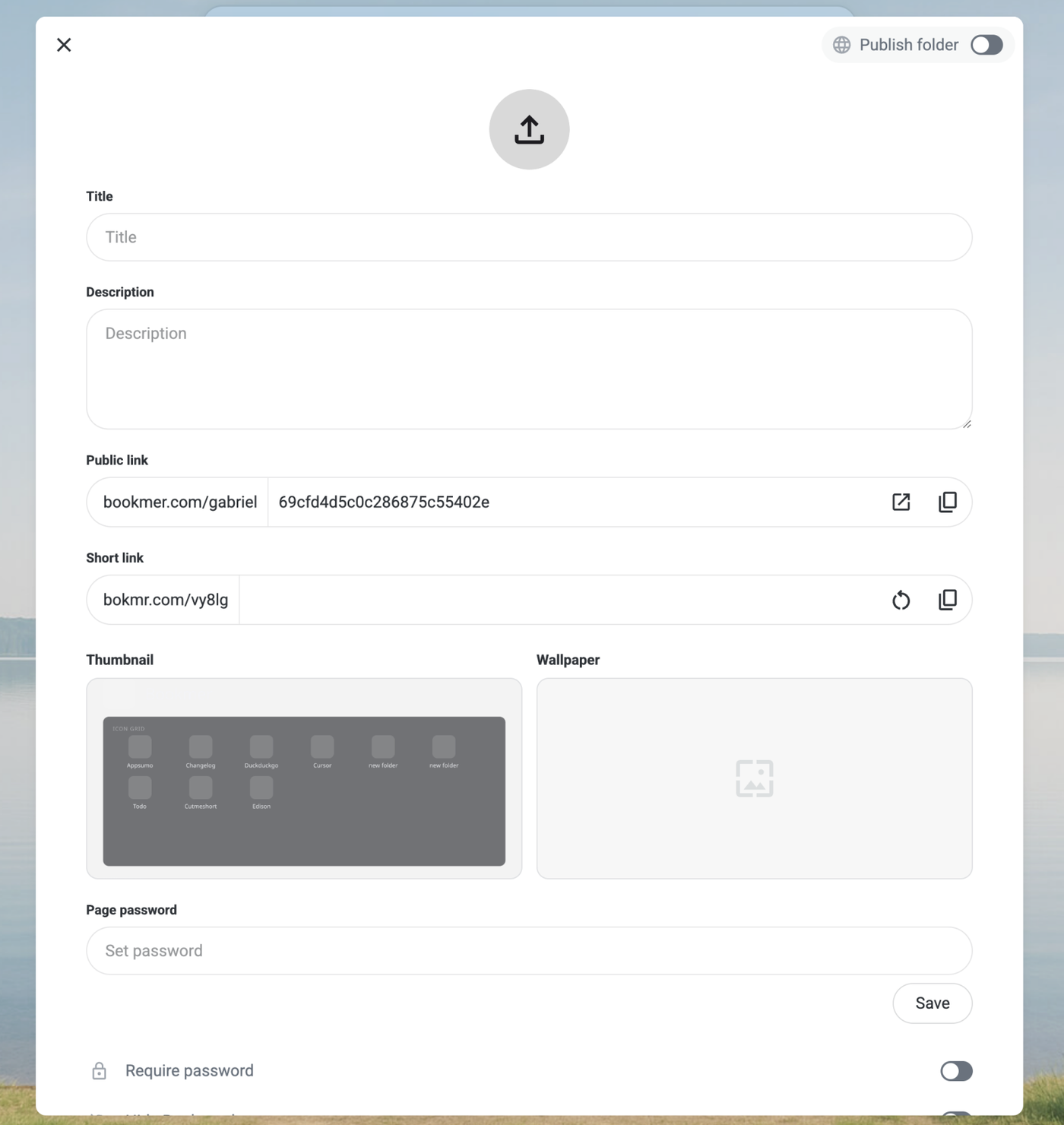
In shared collections, you now have the ability to open the collection folder in a new tab. Additionally, if you wish to obtain a new shortened URL, you can generate one easily. Please note that once a new URL is generated, the previous one will be removed and cannot be recovered.

Jul 27, 2025

Starting today, the support section has been revamped. help.bookmer.com is now the central hub designed to assist you with providing support. It features a wealth of helpful articles to enhance your use of Bookmaker. Explore new features and access all the essential information needed to optimize your Bookmer experience.

Jul 26, 2025

Now you can customize the organization of folders on the navigation bar using a drag-and-drop feature. Previously, folders were arranged alphabetically by default. With this new function, you can easily move folders to suit your preferences. This includes dragging folders directly into other folders or simply rearranging their order for a more personalized navigation experience.

The entire navigation bar has been redesigned, with elements' positions changed. Creating new folders from the navigation bar is no longer possible, which keeps the view cleaner. You can also see the entire navigation bar in full screen on mobile devices.
Jul 21, 2025

We have redesigned the entire custom domain setup to be more intuitive and clear. Now, it’s easier to set up a custom domain. A custom domain allows you to share bookmark collections with others using your own domain. The status view at the top shows whether the DNS configuration is correct or still in progress.
Jul 19, 2025

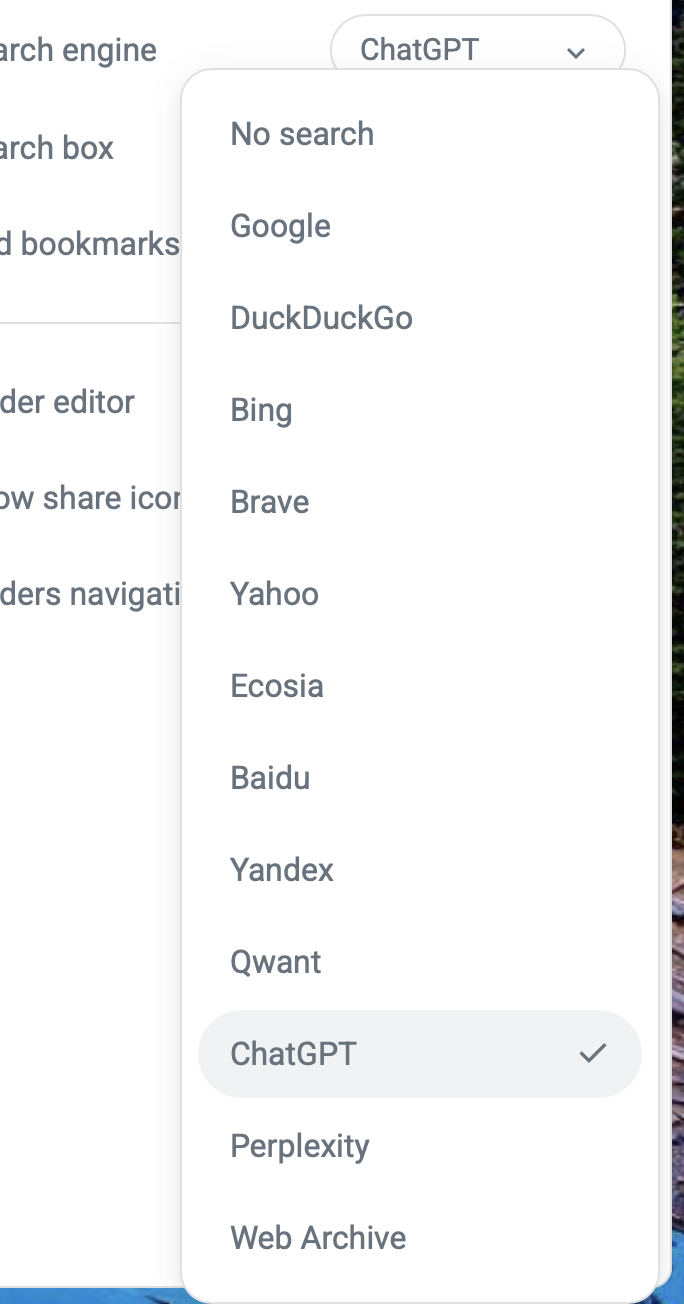
From today, you can change your search engine. Supported options include Google, DuckDuckGo, Bing, Brave, and Shortkey. Check the settings.

When you type in the search field, you'll always see an "Search with ..." button. Clicking on this button lets you choose your preferred search engine before launching the search. This feature is part of the Bookmer browser extension, which replaces the new tab. It allows you to interact with your bookmarks while also browsing with your chosen search engine.

The search results are now faster and follow a new logic, making it quicker to find your bookmarks.

Jul 06, 2025

Today, we are excited to launch our first Chrome Extension.
Launch your Bookmarks with ease
Instant Access to Your Bookmarks — Right from Your Search Engine

The Bookmer extension brings your bookmarks closer than ever. Access your personal start page and saved links directly from Google, Bing, or DuckDuckGo — seamlessly integrated into your browsing experience.

✔ One-click access to your homepage and bookmarks
✔ Quick navigation to Pogma and settings
✔ Stay logged in and access Bookmer from anywhere

Note: An active Bookmer account is required. Bookmer is a paid service.

You control where the widget appears — enable or disable it on specific search engines, or hide it entirely via the settings.

https://chromewebstore.google.com/detail/mladlmojookmijmdcdabepbcefjokhfi?utm_source=item-share-cb

Jun 29, 2025

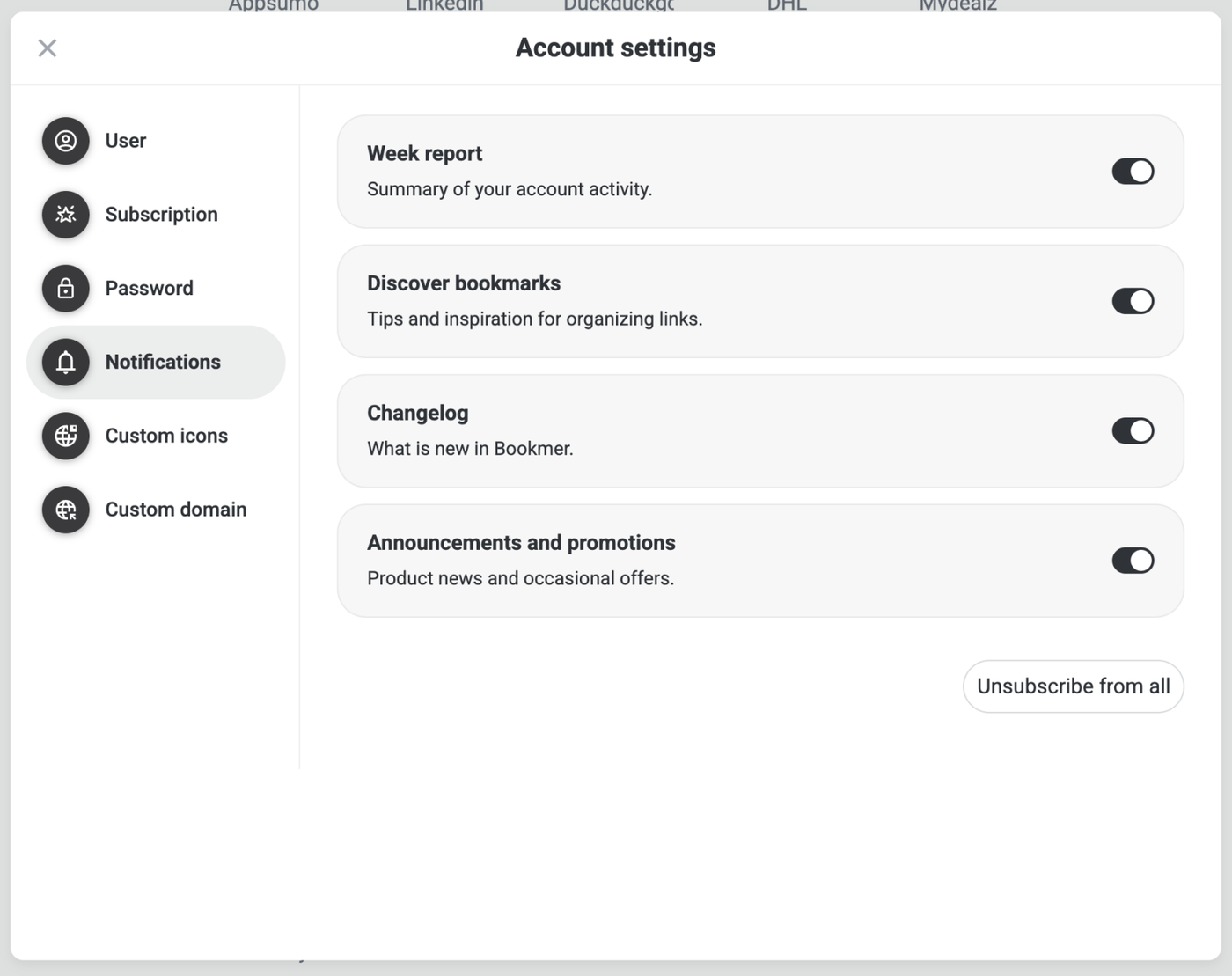
Full new editor for account management. Now you can modify your email, password, username, and profile image directly in one place. You no longer need to navigate to LoginSign; everything works from this central space.

Jun 19, 2025

There was a bug with shared collections. When navigating through subfolders, the entire folder path was visible in the navigation trail. This problem has been resolved. Now users can navigate as usual via the main paths, even when a shared folder is used.

Jun 16, 2025

Fixed some issues that occurred when editing the URL. It is now possible to customize the URL without restrictions. The same problem also existed with bookmark notes. Now, everything can be changed smoothly there as well.