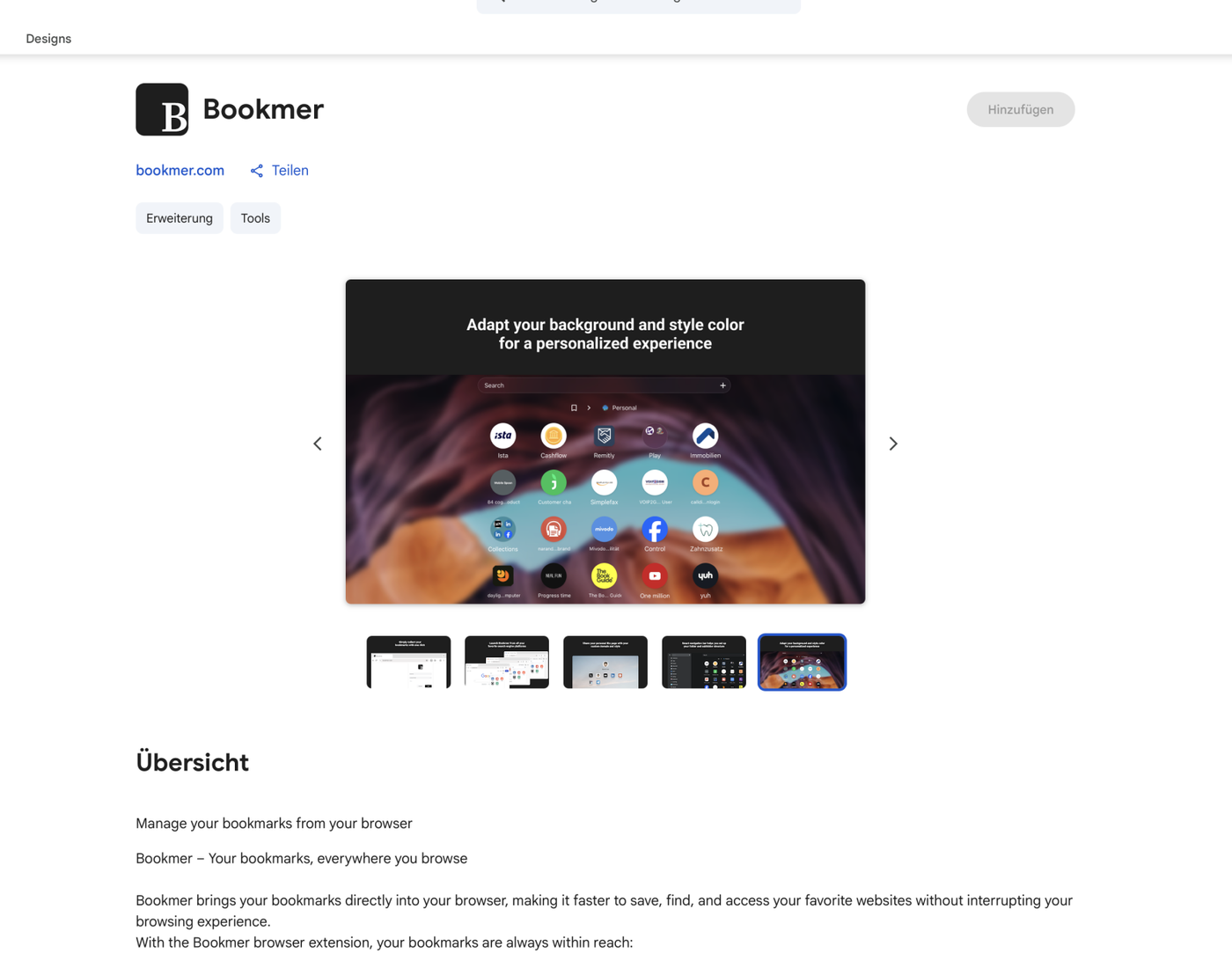
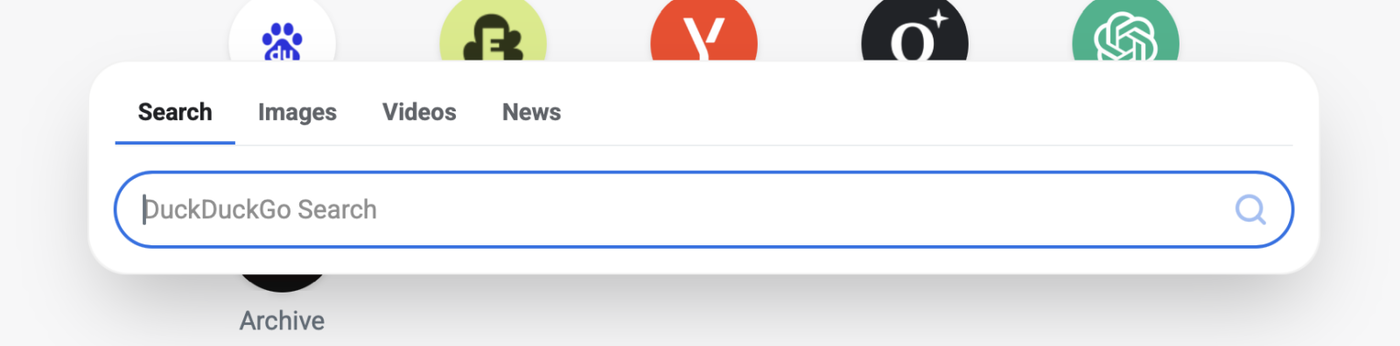
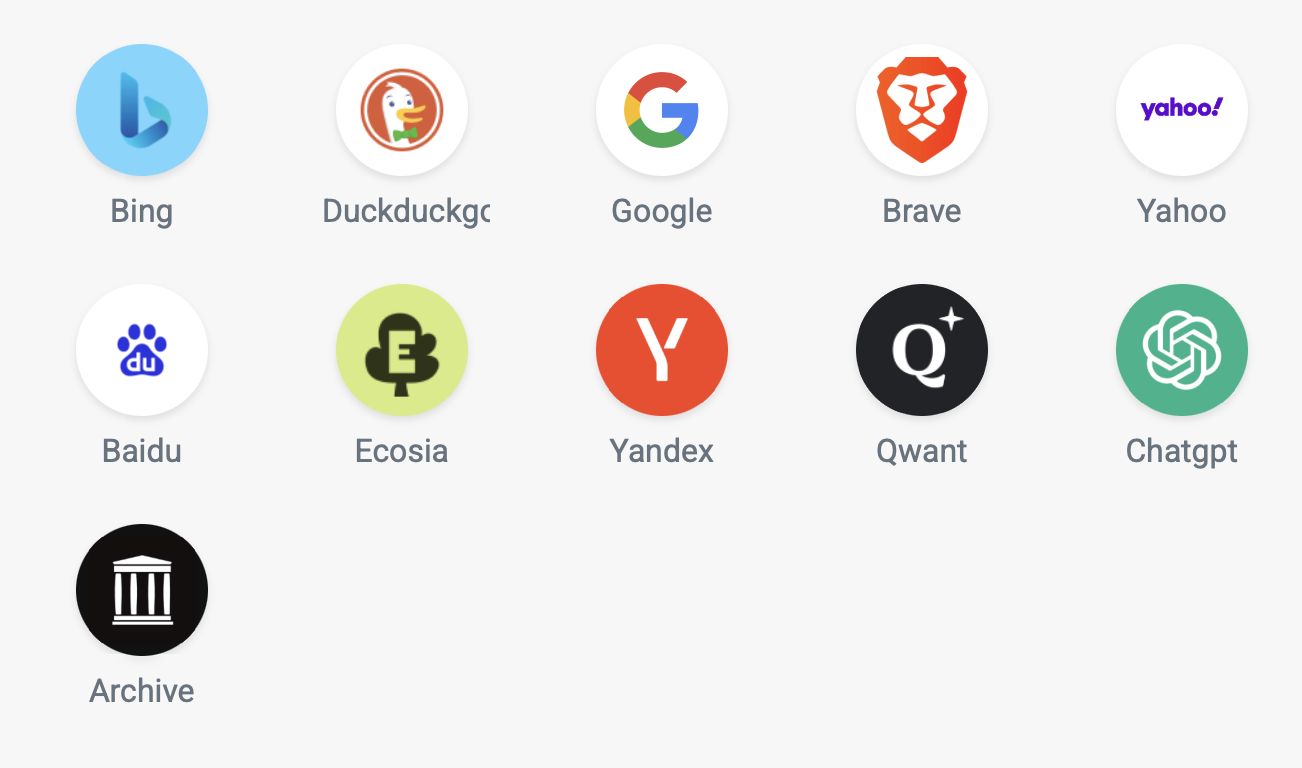
This update brings a more consistent design across Bookmer, smarter menus, improved navigation, better folder and tag handling, a new Web Archive feature, and fixes across desktop, iPhone, and iPad.
Folder Icons & Colors
Folder icon changes now appear instantly throughout Bookmer. Updating an icon or its color immediately refreshes the top navigation and side navigation without requiring a page reload.
The folder icon picker now also matches the bookmark icon picker, with clearer selected states and improved readability.
Setting an icon background color is more flexible, too. Choose a color directly from the palette or use the eyedropper to pick one from anywhere on screen.
The eyedropper has also been improved for better accuracy on photos, large images, emojis, and icons.
Smarter Menus
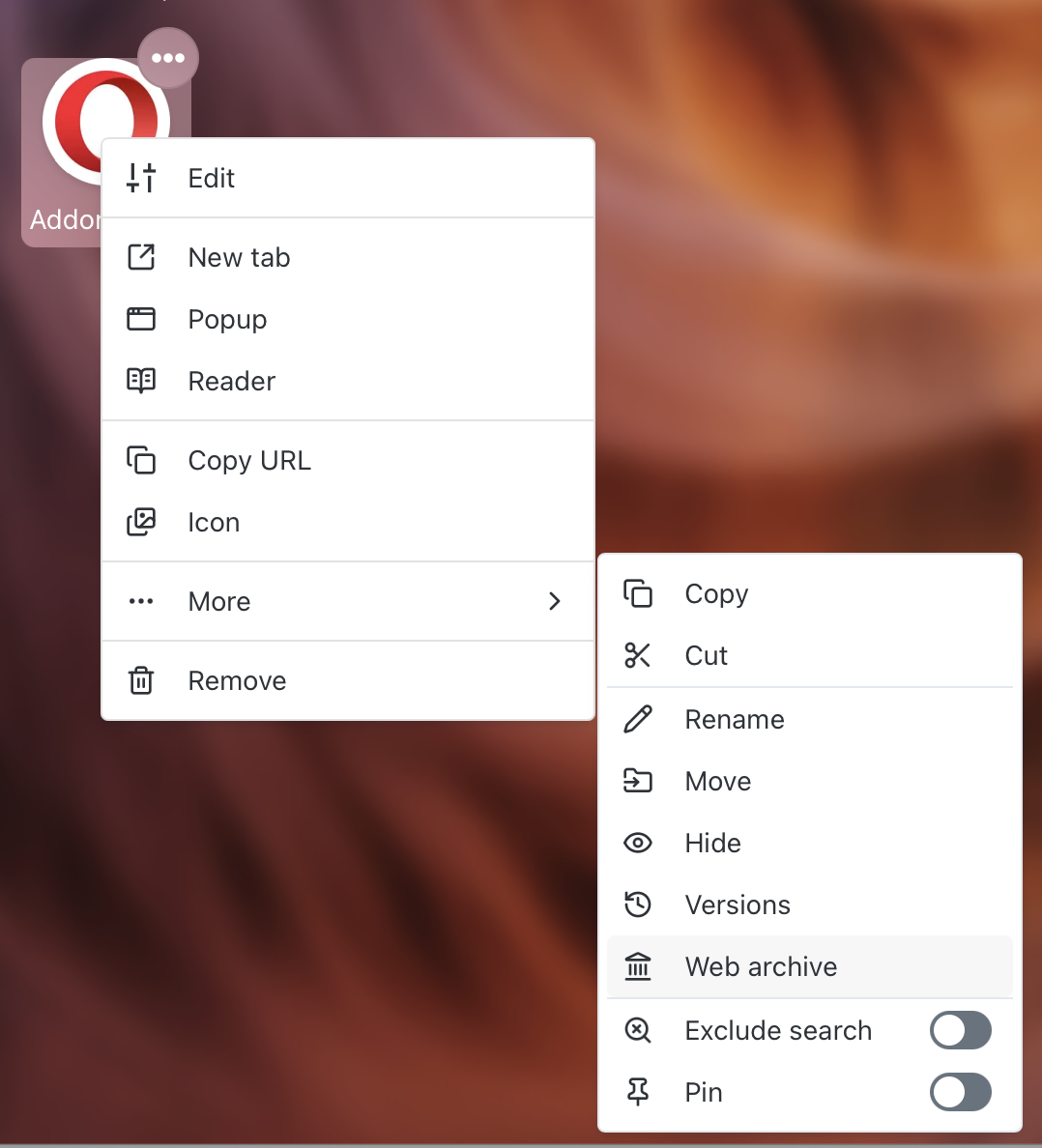
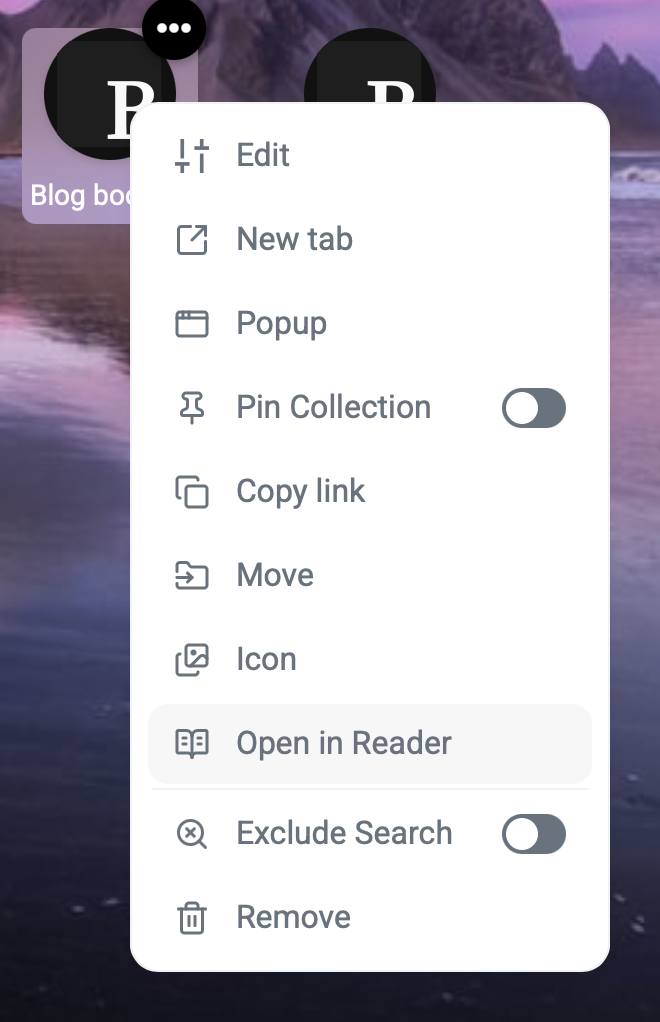
Context menus now open directly from the icon you clicked, making them feel visually connected to the control they belong to. This applies across profile, folder, and editor menus.
Submenus such as Support, Tools, and Export Bookmarks now wait for a brief pointer pause before opening, reducing accidental activations.
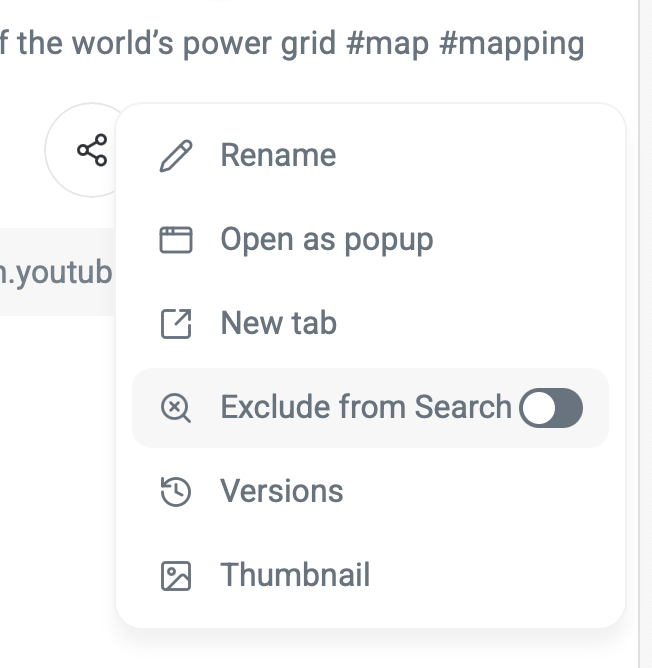
Toggle actions such as Exclude search and Pin no longer close the menu after every change, making it easier to adjust several options at once. The Pin action also updates immediately between Pin and Unpin.
Background Menu
The background menu has been redesigned to be smaller, clearer, and more consistent.
It now opens directly where you click and uses a unified layout for Blur, Dim, Text & Icon, and Remove, with consistent icon sizes, typography, alignment, and color controls.
Safer Editing
Bookmer now protects unsaved changes when creating a folder, creating a bookmark, or editing a background color.
If you try to close an editor with unsaved changes, Bookmer asks before discarding them, with Keep editing as the default action. If nothing has changed, the editor closes immediately.
Tags Update Instantly
Tag folders and the Tags overview now refresh automatically whenever a #hashtag is added, changed, or removed from a note.
No page reload is required.
Custom Domains
Managing custom domains is now more straightforward.
The Domain tab now has a dedicated Add domain button. Selecting it reveals the domain field together with Cancel and Save actions.
Remove domain now appears directly beside the active domain for quicker access.
Navigation
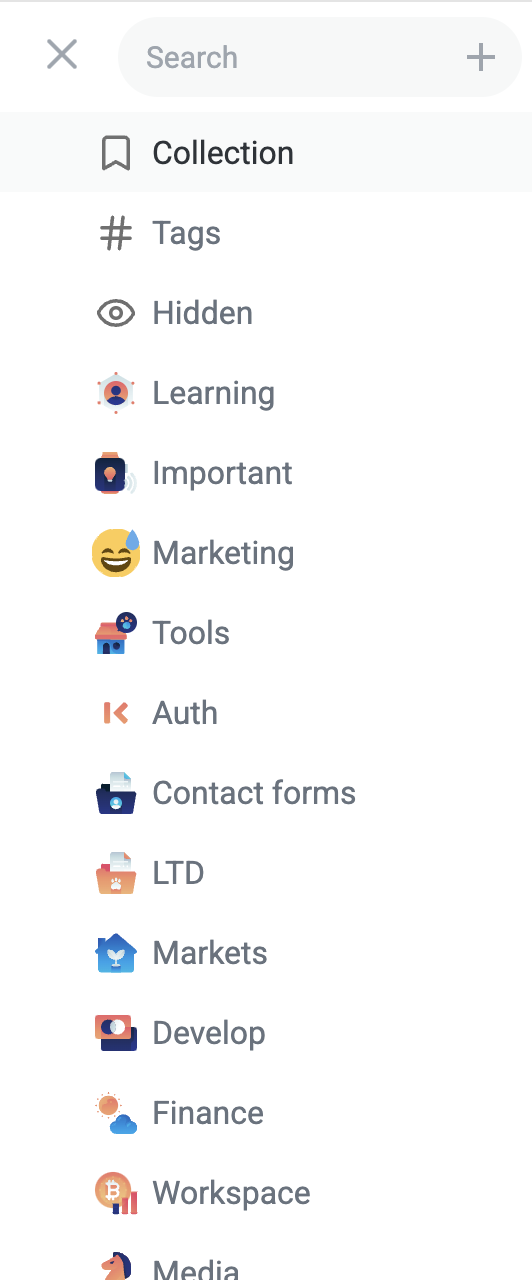
The side navigation has been refined for clearer states and more consistent alignment.
The folder currently being viewed now has a stronger active highlight, while hover uses a clearly lighter appearance so the two states are easy to distinguish — including on glass backgrounds.
Folder expand and collapse controls now provide clearer hover feedback.
The navigation menu button is precisely aligned with the search field and keeps the same visual appearance as other Bookmer icons across interaction states.
Titles, spacing, and sizing in the side navigation now also match the Preferences interface more closely.
Improved Search
Sidebar search is more reliable and responsive.
Results now update after a brief pause in typing rather than on every keystroke, always reflecting the latest query.
Search also continues working correctly after deleting part of a query and typing again, and opening a folder from search results now automatically clears the search.
A Cleaner Look
Bookmark and folder menu buttons now use the same translucent glass appearance as the search bar.
Icons automatically adapt to the content behind them, keeping controls readable across light and dark wallpapers.
Glass surfaces throughout Bookmer have also been made more consistent across light mode, dark mode, solid backgrounds, and wallpapers.
Keyboard & Interaction Improvements
Keyboard-focused controls now use a distinct focus ring instead of a filled background, making focus states easier to distinguish across both glass and solid surfaces.
The Undo action in confirmation messages now uses Bookmer’s shared button design for a more consistent interface.
Shared Pages
Exclude search is no longer shown on public shared pages.
Visitors now see only the actions relevant to them: New tab, Popup, and Copy URL.
Spacing in Share Folder settings has also been improved, removing the oversized gap between Searchable for Search Engines and Require Password.
API Settings
Code examples in API Settings now use the same card layout and width as the settings above them.
The Copy button is now integrated directly into the code box instead of appearing separately beside it.
iPhone & iPad
Fixed an issue where opening View style could make the menu behind it disappear.
View style now behaves consistently with Sort by: the menu remains in place while only the selected row transitions.
Tapping outside an open Preferences panel now simply closes it instead of accidentally activating a folder or bookmark underneath.
Additional Fixes & Improvements
This update also includes additional interface refinements, consistency improvements, and reliability fixes throughout Bookmer.