Update
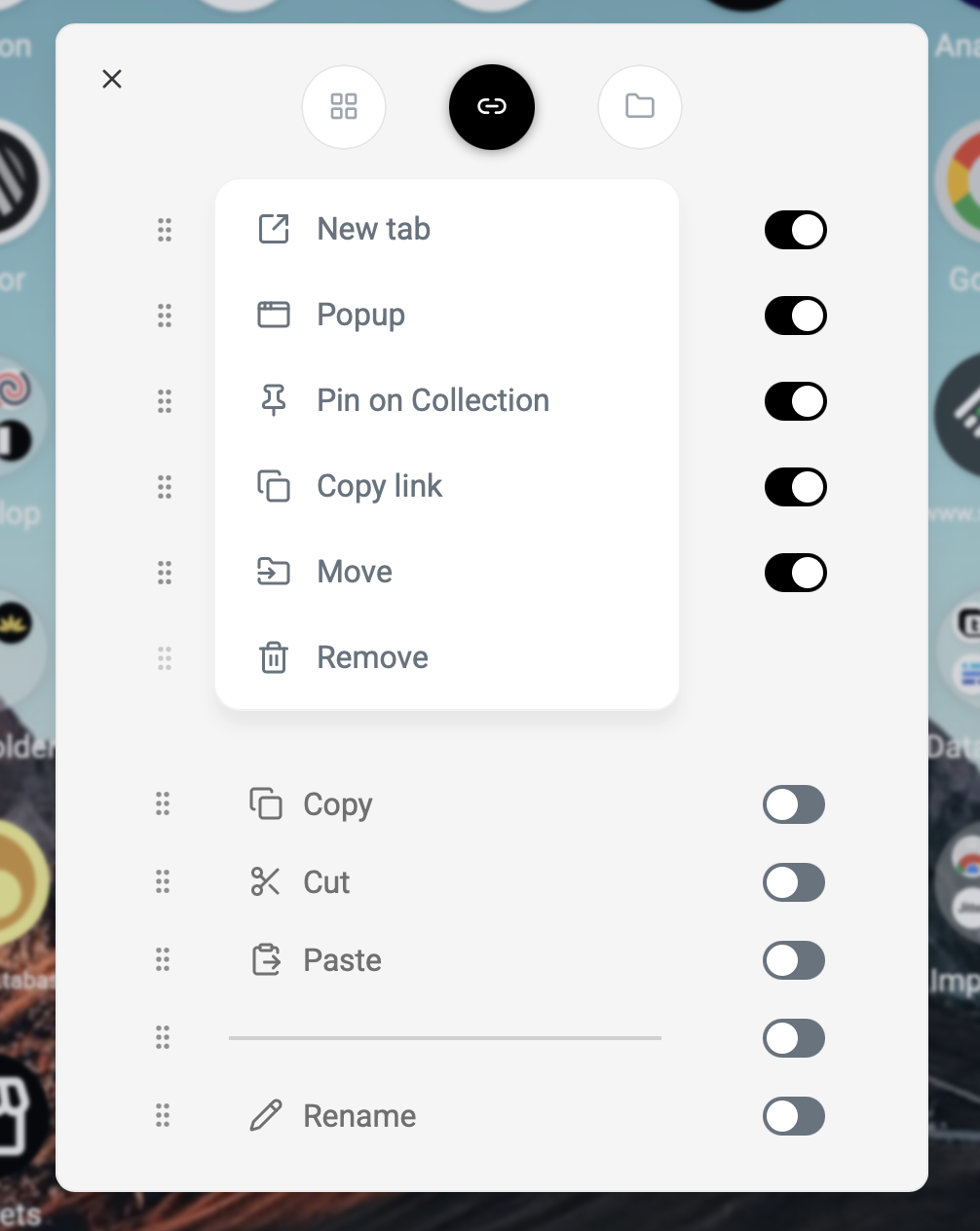
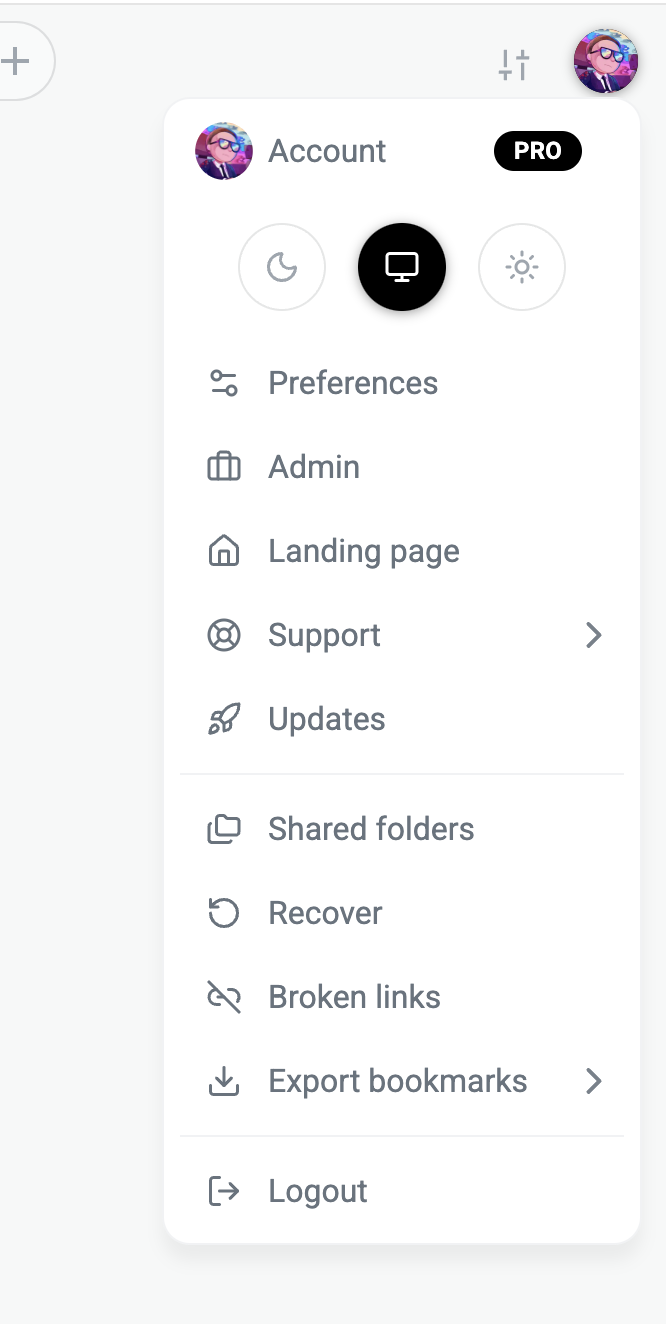
The new context-menu editor feels fresher and lets you see how the final menu will look in real time, giving you a clearer idea. It’s also much better suited for editing.
You can easily add or remove items by clicking them on the slider and rearrange their order with ease. Overall, it’s more logical, enjoyable, and efficient to use.
These context menus work for folders, links, and the main context menu, giving you the freedom to customize them as you like.

- Started incorporating more animations, especially on the first page load, where everything appears animated.
- Chosen an unobtrusive, fast yet dynamic variant.
- Expect a significantly better user experience.
- Small distinction: a slightly different animation is used when navigating a sub‑folder.
- To avoid distraction, the main animation appears only the first time.
- Based on common smartphone operating systems, aiming for subtlety while delivering a cool effect.

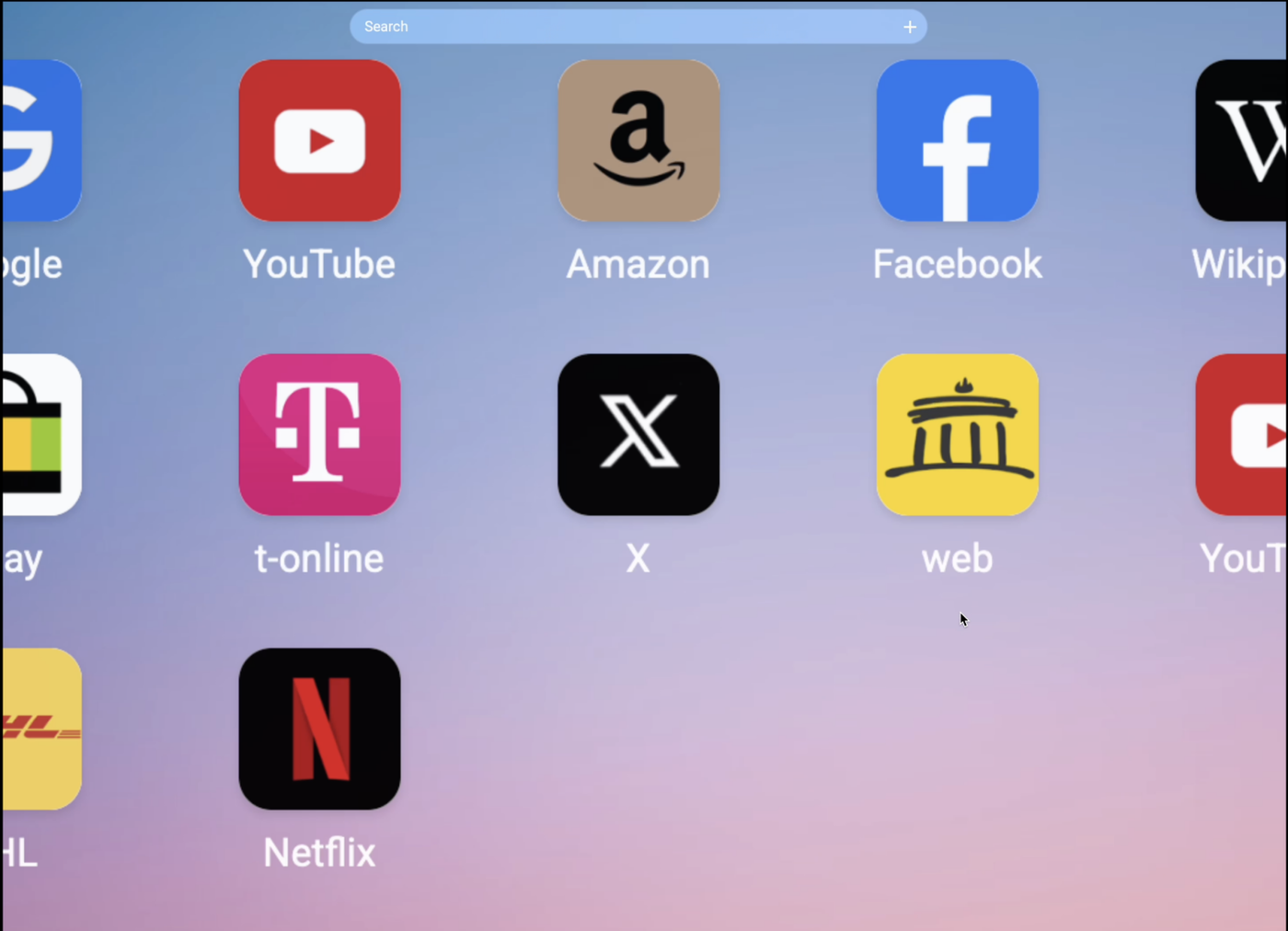
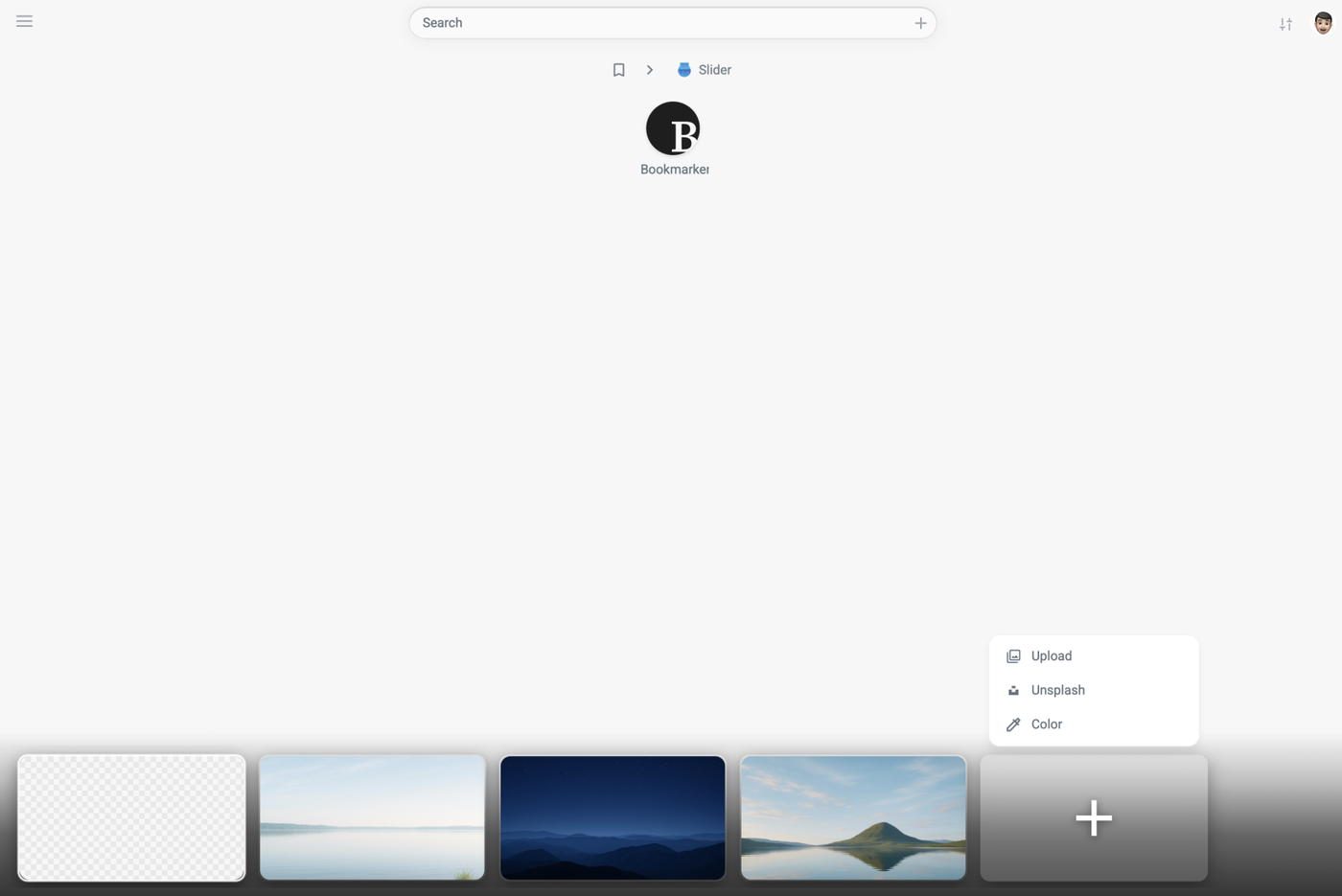
We have completely redesigned the wallpaper setup. From now on, it is possible to view your collection in a slider. You can watch live how the wallpaper affects the appearance.
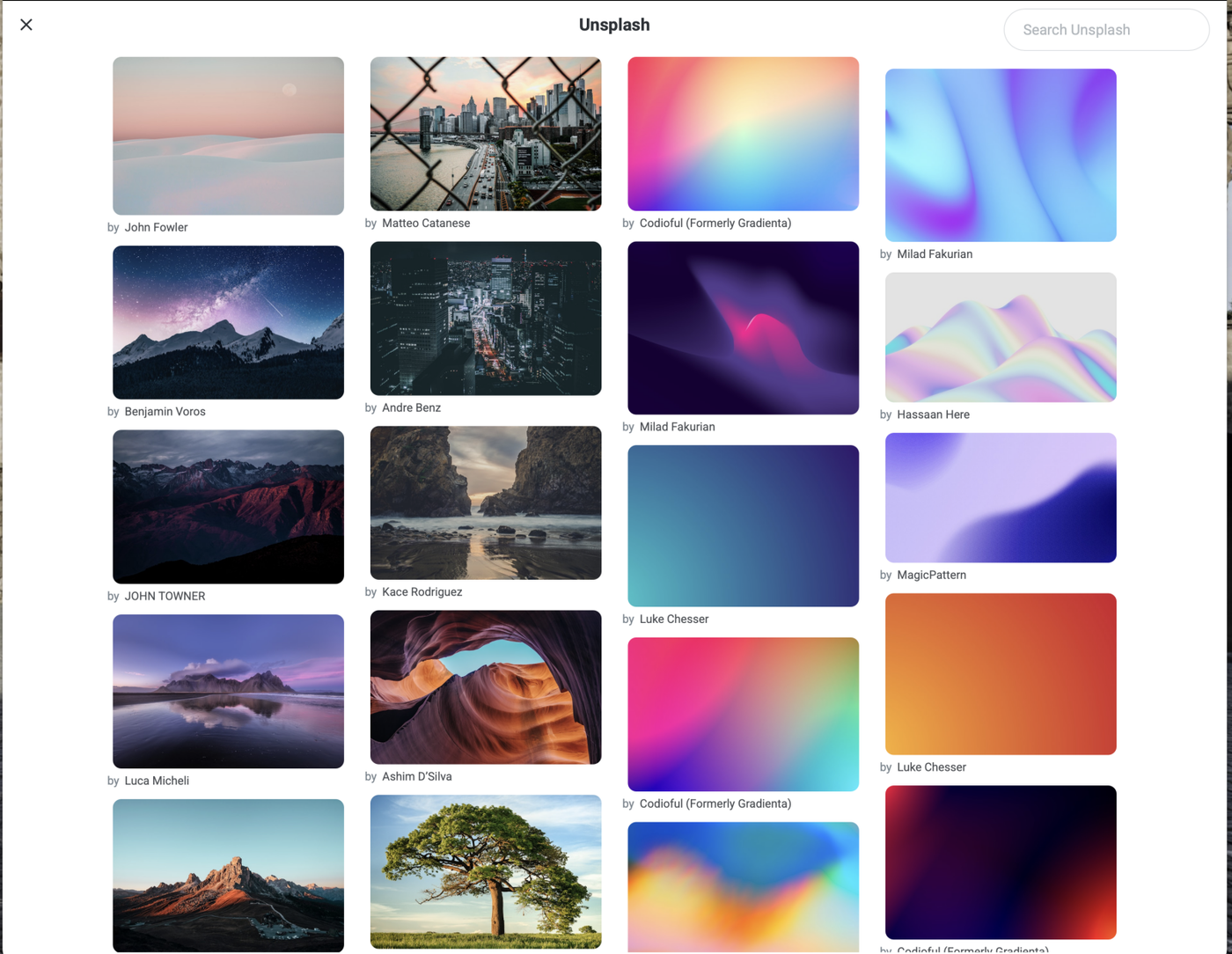
Additionally, we have reactivated Unsplash; it is now also accessible for free users. The only difference for Pro users is that they can browse more images.
Newly added is the color selection. You can choose either a solid color or a radius color. The background color selection is free for all users.
Further improvements:
Existing background images can be edited, deleted, and customized by yourself.
Style, text, and icon color can be adjusted.

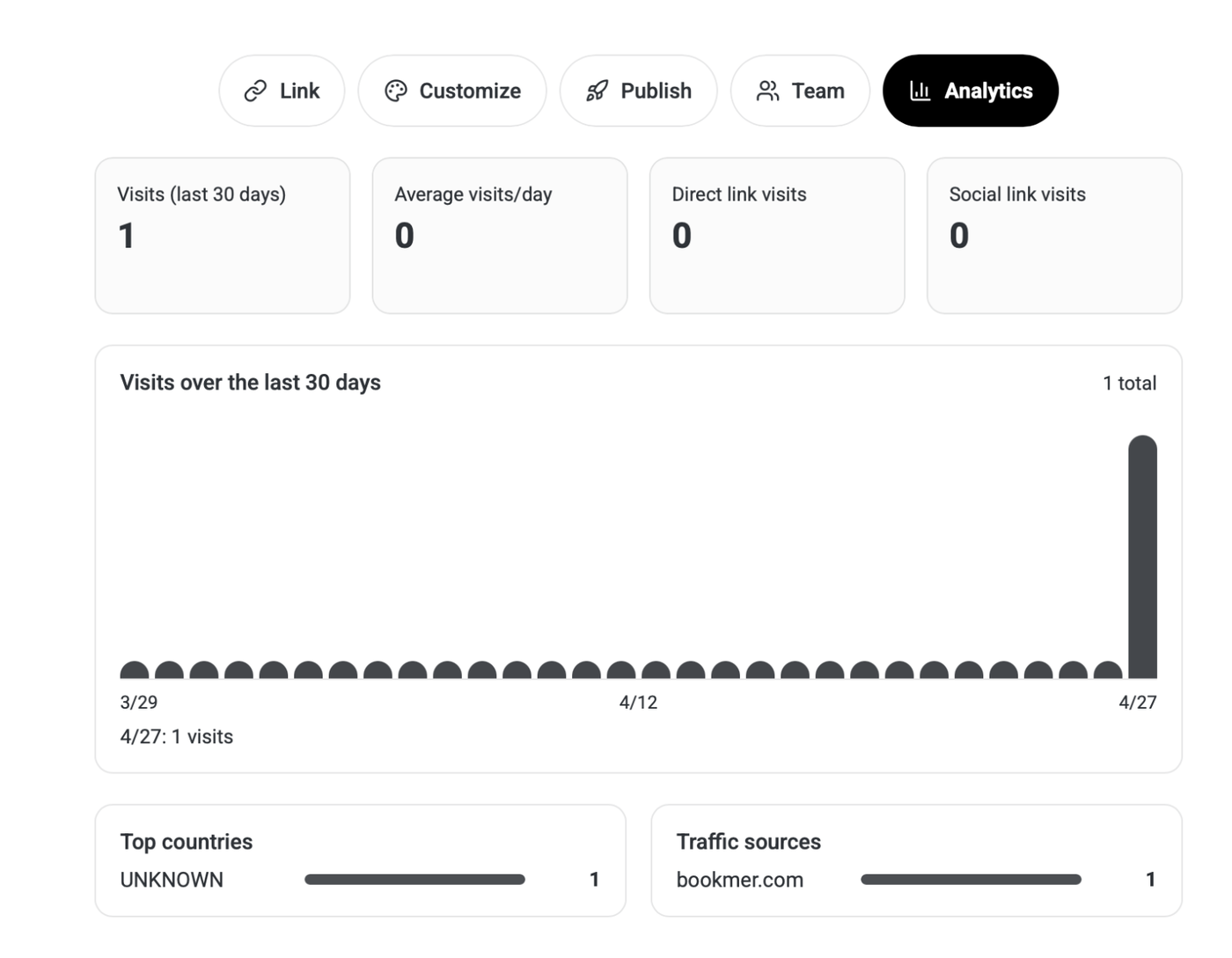
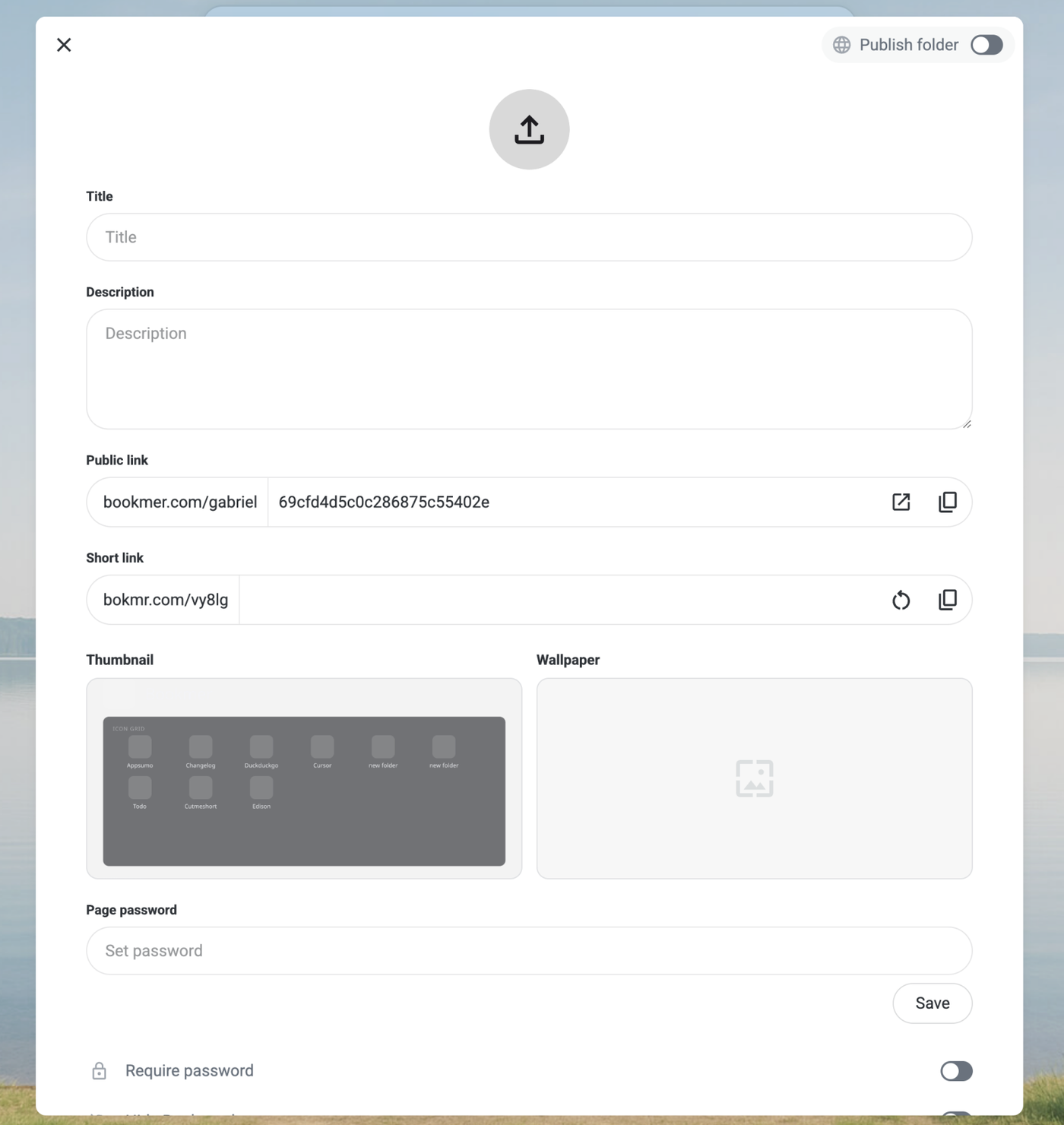
A feature many users have wanted is the ability to protect shared folders with a password. This is now available for Pro users. You can set a password, and the shared page will only be accessible by entering it. The password can be set on the share page. Additionally, the entire layout of shared pages has been redesigned. Before publishing, you can adjust all parameters such as the title, images, and preview, allowing you to publish only when you are ready. The new layout offers more space, greater flexibility, and a clearer overview.

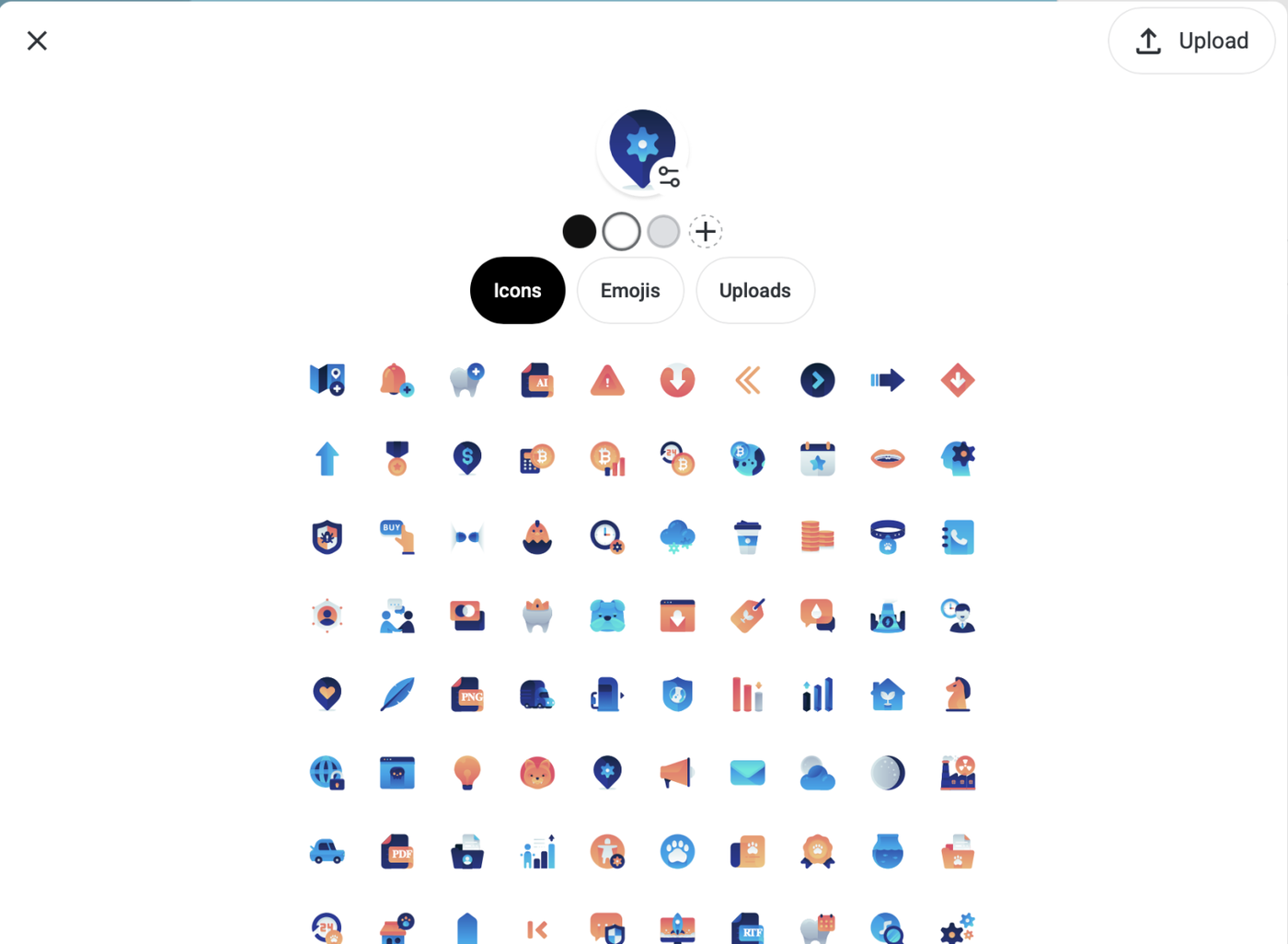
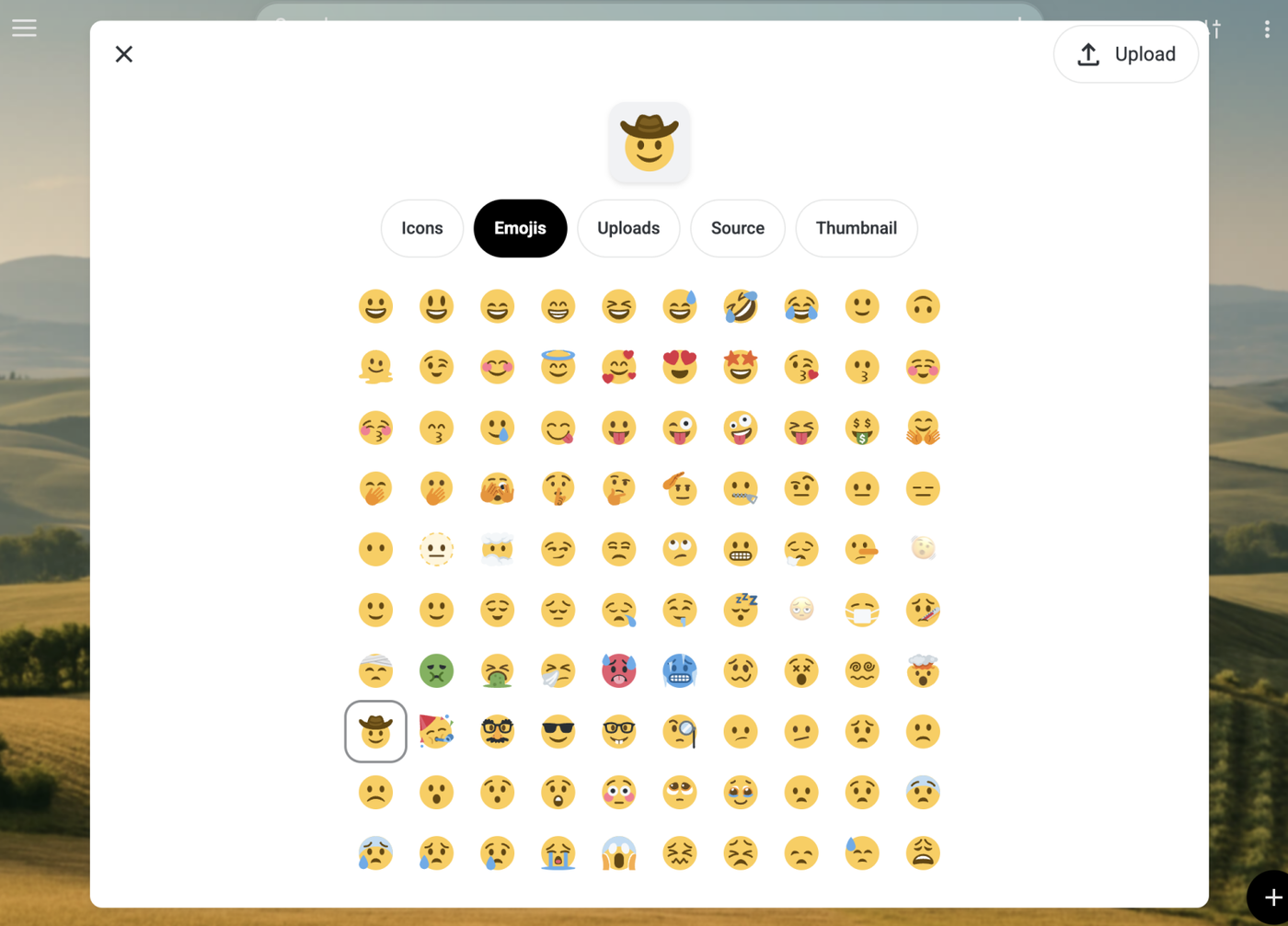
We completely rebuilt the image editor. Now you can use emojis, manage your uploads, and use sources from the page. You can still edit the image by typing in the preview and changing the background color. All your uploads can be managed from one place. We also added a thumbnail feature that allows you to choose the one you want.