© 2026 Bookmer Changelog
Jun 14, 2025

Now it is possible to share content using your own username URL. You can set up a unique username if available, which allows you to share content through the Bookmer URL and customize the URL ending to make it easier to find your content. You can also continue using your custom domain to share collections.

Jun 12, 2025

Now, you have a new share window that makes sharing content easier. Through this space, you can change the background image of the shared page, customize the URL, and a short URL will be generated automatically. Every shared page gets a tiny URL, making it simpler to share content on social media.

May 25, 2025

Starting today, you can set up a username to share your bookmarks.

Bookmer.com/username/example

This gives you more options to share content with the world. You can also change your username anytime if you'd like.

We are now offering a complete new setup for new users, which guides them step by step to create their account. For existing users, all these setup steps will be displayed once.

Apr 13, 2025

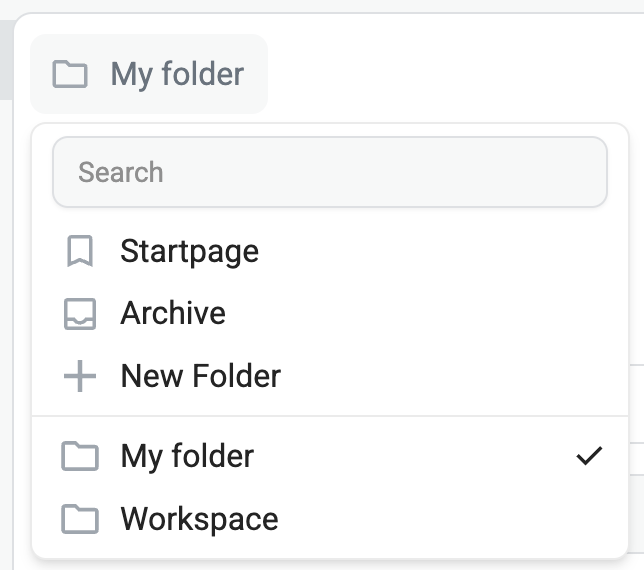
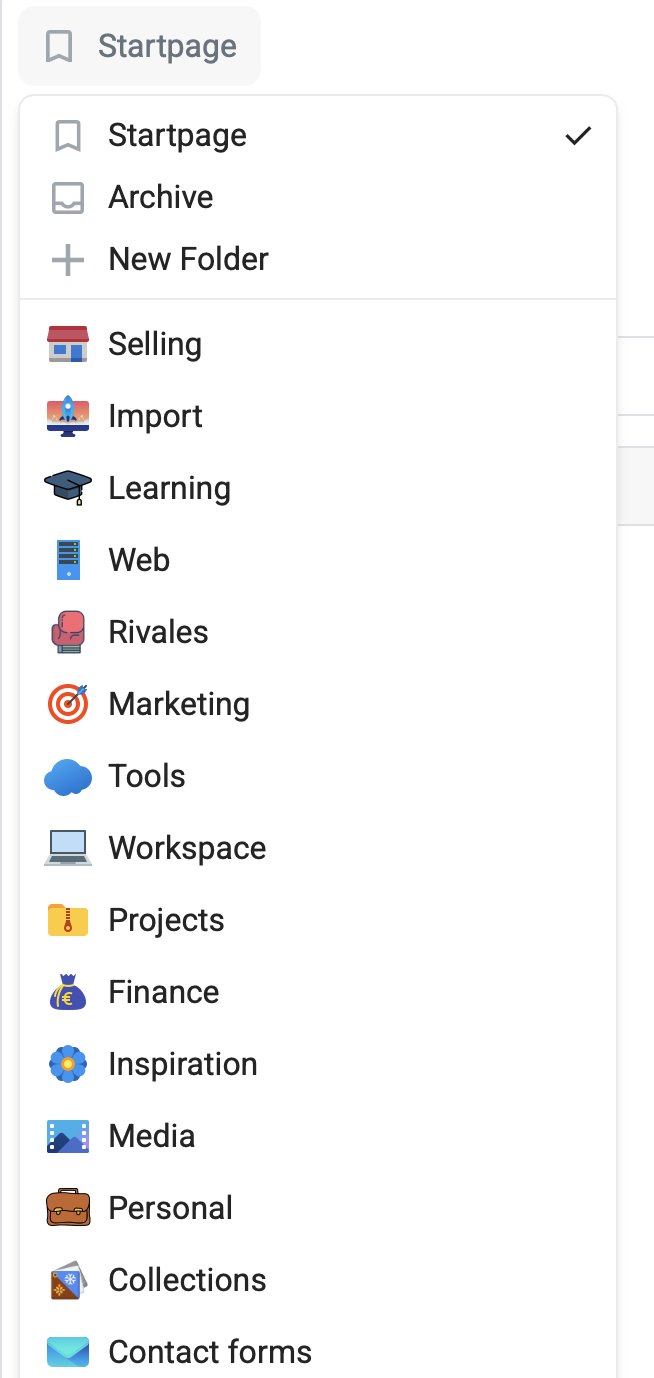
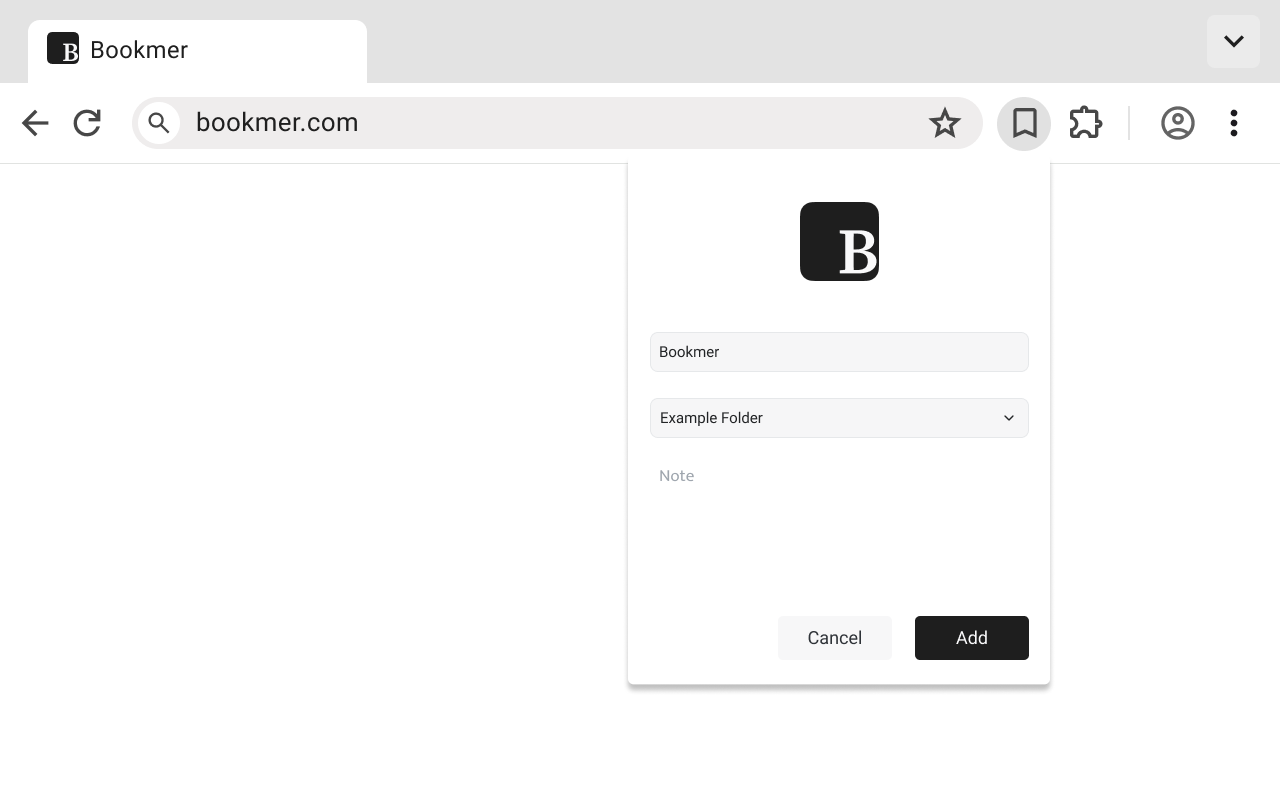
Fixed the issue with changing the bookmark folder. You can now easily change the bookmark folder location directly from the editor.

Apr 11, 2025

Now it integrates A records for custom domains. You can set up your custom domain or subdomain with DNS values. Once connected with Bookmer, you can share collections using your custom domain. After setting up your custom domain, you can also place a URL target. This means that if a user visits the domain, like "example.com," it will redirect to the target.

Feb 19, 2025

There was an issue with the upload popup box; it was placed in the background, making it impossible to upload custom domains. This issue has been fixed in the latest update

Feb 15, 2025

The new icon animation improves the UX. Now, when you move the mouse over an element, it enlarges to clearly indicate which bookmark or folder you have selected. If you prefer, this option can be disabled, allowing you to use Bookmer without animations.

Feb 11, 2025

The settings are being redesigned with a better structure, updated titles, and some new icons for a fresh look and improved user experience.

Feb 02, 2025

We are making several performance updates in this release:

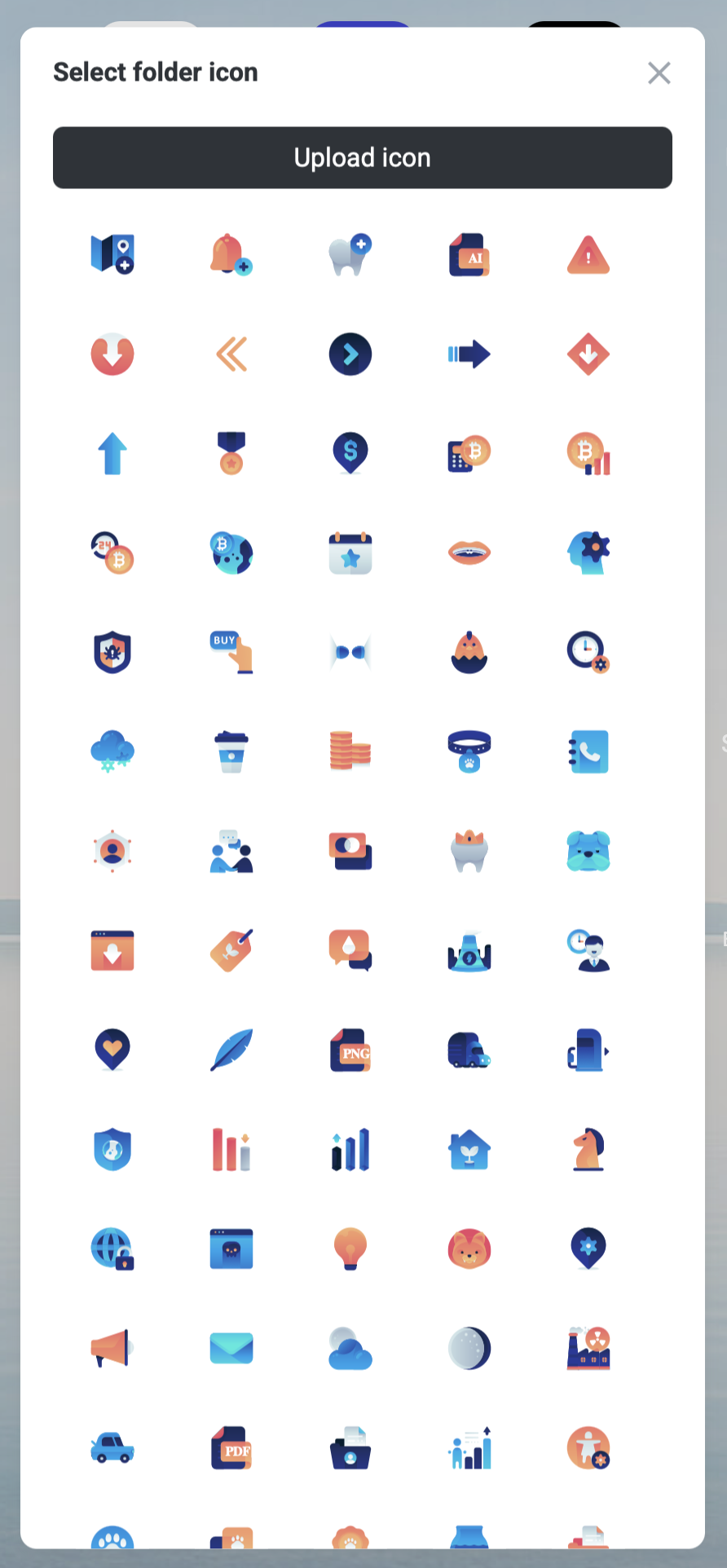
  • Icon loading: Some icons might change style due to updates in the data structure. Now, icons load faster, and loading issues that sometimes prevented icons from displaying have been resolved.
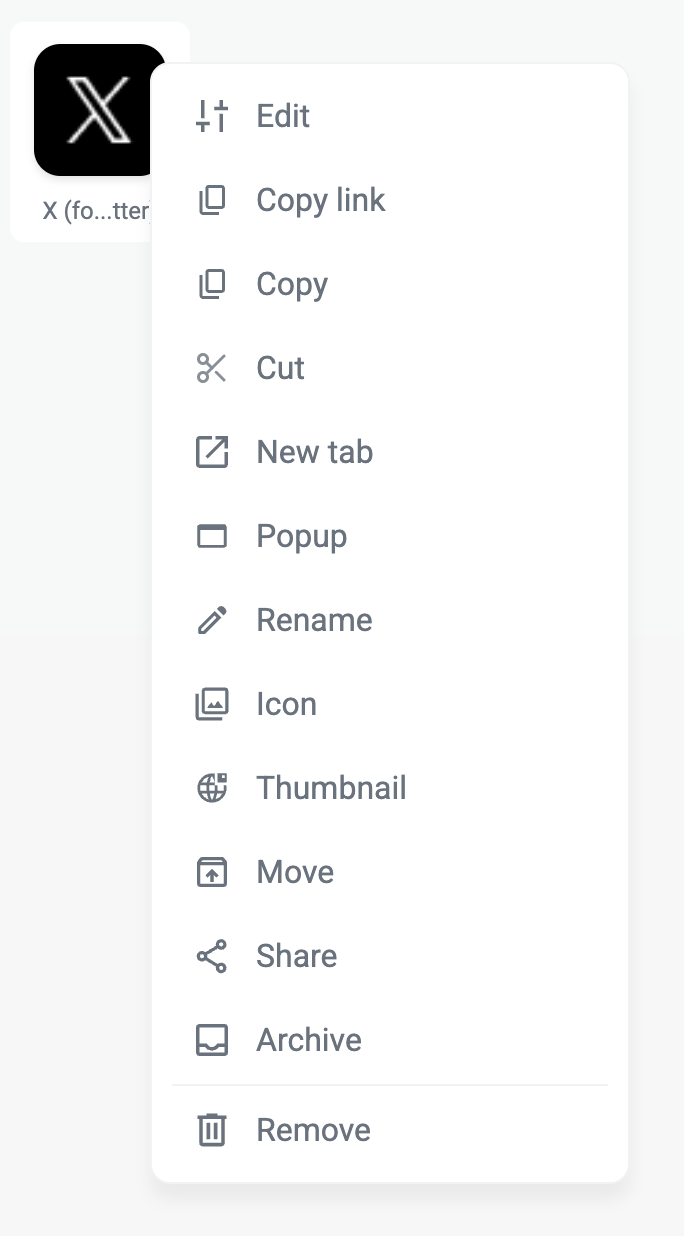
  • Navigation bar: Previously, the navigation bar would close after right-clicking to open the dropdown. Now, it will remain open once you select it with a right-click.
  • Pinned folders: We addressed performance issues that caused delays when opening the page. With the updated data structure, pinned folders now load instantly, enhancing the user experience.
  • The Bookmarker.me URL is officially down, and all published pages have been migrated. The URL now serves no purpose.
  • Some published pages were shut down after the removal of the Bookmarker URL, but this issue has been resolved.

Jan 23, 2025

Resolved issues with icons where mouse over interactions caused unexpected behavior. Icons now respond correctly to hover actions, improving the user experience with smooth and predictable interactions.

Jan 20, 2025

After more than three years, we have decided to change our name. We’ve chosen a shorter version to position ourselves for future growth and to build a strong, recognizable brand around it. While the name has changed, our connection to the original “B” logo remains intact and will continue to represent our identity moving forward.

The old domain Bookmarker.me will be deactivated on December 31. Until then, shared pages should be updated or linked to the new domain to ensure uninterrupted access.

We spent a significant amount of time exploring alternative names and even considered domain purchases. Ultimately, we believe this new direction is the best path forward, and we’re confident it adds tremendous value for our community.